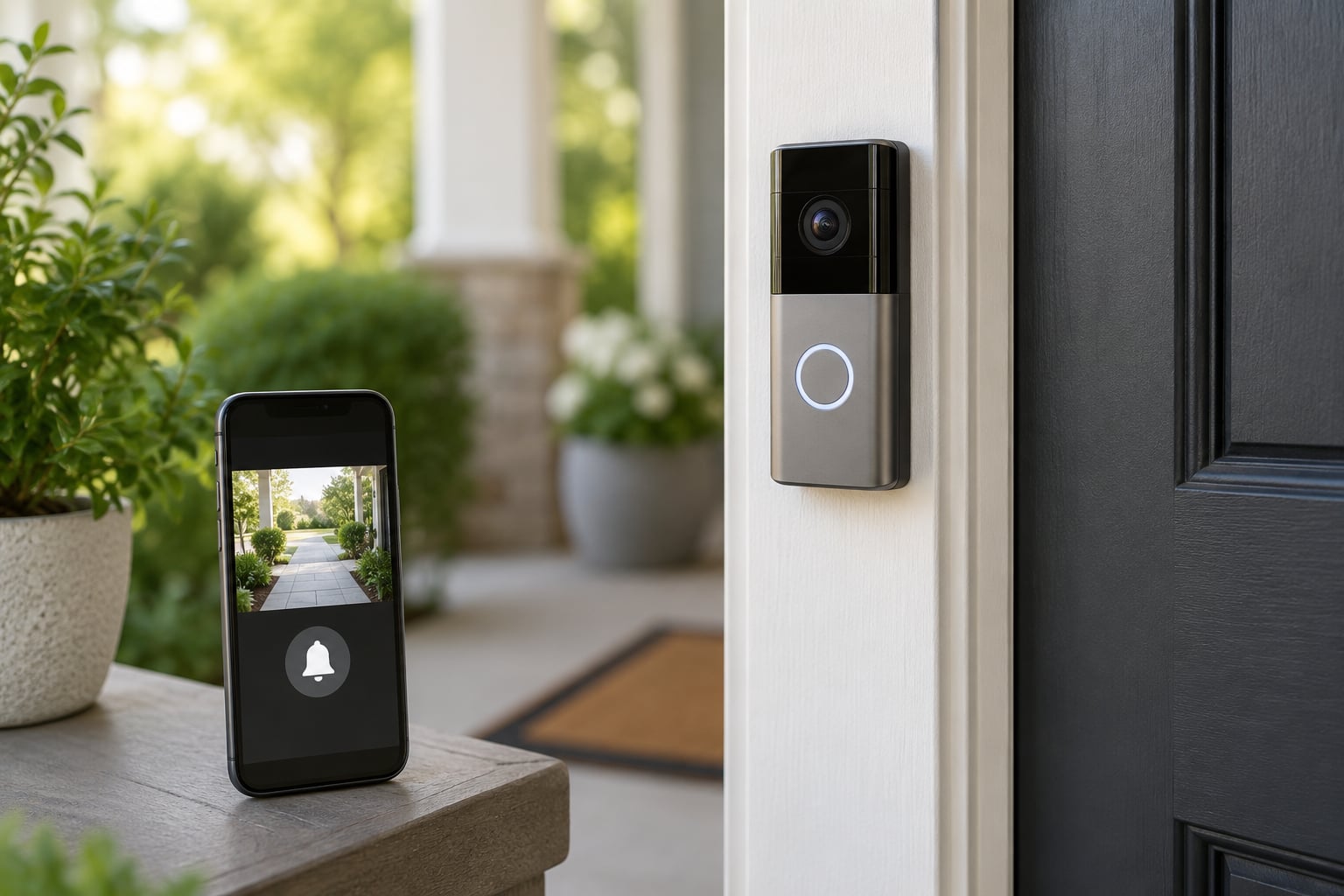
A smart doorbell is an internet-connected replacement for the old push-button chime. It packs a camera, microphone, speaker and motion sensor into one box so you can see, hear and speak to anyone at the door from your phone.
That is the short version of how smart doorbells work: motion or a button press wakes the camera, the clip gets encoded and sent over your home Wi-Fi, and a push notification arrives on your phone within seconds. The rest is detail, and most of the detail comes down to three things: power, bandwidth and where the footage ends up.
Table of Contents
- 1What Is a Smart Doorbell?
- 2How Smart Doorbells Work: The Basic Components
- 3What Happens When Someone Rings Your Doorbell?
- 4How Do Smart Doorbells Detect Visitors?
- 5How motion detection works on a smart doorbell
- 6Button presses and knock detection
- 7Package and person detection
- 8Do Smart Doorbells Record Video All the Time?
- 9How Does Two-Way Audio Work?
- 10What Are the Main Privacy and Security Concerns?
- 11How to Choose the Right Smart Doorbell for Your Home
- 12Frequently Asked Questions
- 13Do smart doorbells work without Wi-Fi?
- 14Are smart doorbells always recording?
- 15Do I need a subscription for a smart doorbell?
- 16Can smart doorbells hear conversations inside my house?
- 17How long does the battery on a smart doorbell last?
- 18Can I install a smart doorbell myself?
What Is a Smart Doorbell?
A smart doorbell is a doorbell that connects to your Wi-Fi network instead of doing nothing more than make a noise inside the house. Built into it are a camera, a microphone, a speaker, motion sensors and a small circuit board that talks to a phone app.
You press the button or someone walks into view, and the unit captures a short video clip, sends it to the maker’s cloud server, and pings your phone. From there you can watch it live, talk back through the speaker, and keep a record of who came by.
The differences from the alternatives matter when you are shopping. A traditional doorbell makes one sound and does nothing else. A security camera covers a wider area but has no button for visitors to press and no chime inside. A video intercom is the same idea as a smart doorbell, except it usually runs through a building’s wiring to a handset in each unit.
- Traditional doorbell: a button, a transformer and a chime. No video, no app, no internet.
- Security camera: wider coverage and usually better night footage, but nothing for a visitor to press and no indoor chime.
- Video intercom: a door station plus a screen or handset in the home. Same core technology, different plumbing.
- Smart doorbell: a door station that pairs with your phone, so you can answer from anywhere.
How Smart Doorbells Work: The Basic Components
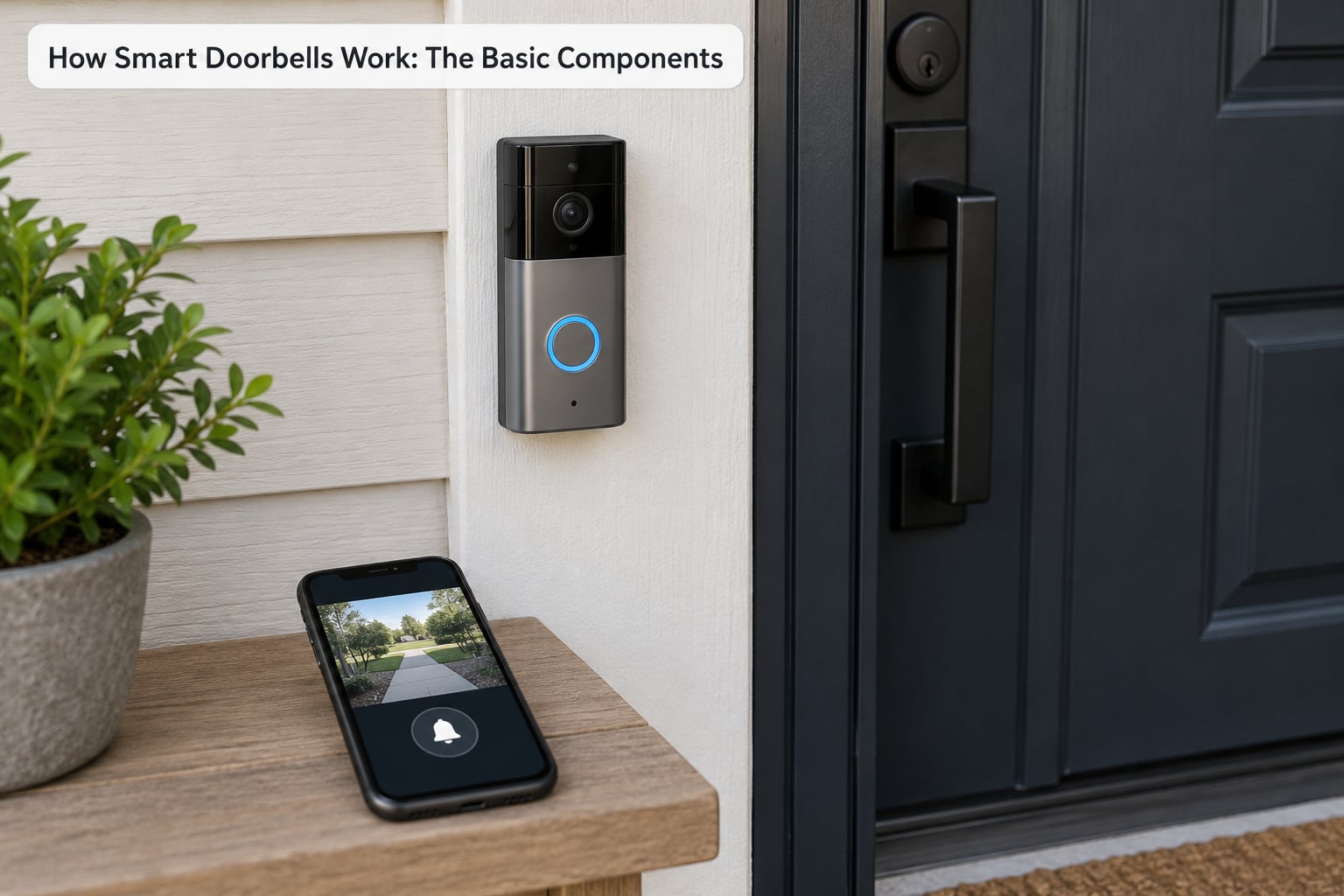
Every video doorbell, whatever the brand or price, is built from the same handful of parts. Once you know what each one does, most of the odd behaviour people complain about stops being mysterious.
- Camera: a wide-angle lens, usually with 1080p or better resolution and a field of view between 160 and 180 degrees. It sleeps until something triggers it, then wakes and records.
- Motion sensors: usually a passive infrared sensor, sometimes paired with radar or a pressure-sensitive plate. This is what decides a person is there before the camera bothers to switch on.
- Microphone and speaker: a small mic captures sound from the porch and a speaker lets you answer. Together they make two-way talk possible.
- Wi-Fi radio: a 2.4 GHz chip that links the doorbell to your router and then to the internet. Live video streaming is the bandwidth-hungry part of the whole setup.
- Power source: either a rechargeable battery pack or the low-voltage AC from your existing doorbell wiring.
- Night vision: an array of infrared LEDs that lights the porch in total darkness so the camera still sees, even though the picture comes back black and white.
Behind those parts sits the app. It is the piece that decides when to notify you, holds the account and permissions, and usually stores the clips.
What Happens When Someone Rings Your Doorbell?
This is the full sequence, and it happens in a couple of seconds:
- Something triggers the unit. A visitor presses the button, or motion sensors pick up movement in the activity zone. Many people rely on the button more than they expect, because a good share of visitors never press anything at all.
- The camera wakes up. On a battery model the camera is powered down between events to save power, so this wake-up takes a beat. Hardwired cameras are usually already running.
- Video is recorded. The unit captures a short pre-roll buffer of a few seconds before the trigger, then keeps recording until motion stops, typically 12 to 30 seconds.
- The clip is encoded and uploaded. Wi-Fi is the pipe. A 1080p stream needs roughly 2 Mbps of upload speed for a smooth live view, and a weak signal shows up as choppy video and delayed audio.
- The cloud server receives it. On most models the clip lands on the maker’s servers first, which is how a notification can reach you while your own Wi-Fi is down.
- A push notification arrives. Your phone buzzes. Opening the app pulls a live view and turns on the speaker and microphone for two-way talk.
- The clip is saved. It goes to cloud storage for a set retention window, or to a local card or network drive on models that support it. Tap reply, a prerecorded message or a siren and you have answered the door from the driveway.
How Do Smart Doorbells Detect Visitors?
Detection is where most false alarms come from, so it is worth understanding which method your unit uses and how it is tuned.
How motion detection works on a smart doorbell
Passive infrared detection watches for heat signatures moving through the field. It is cheap, uses almost no power and works well for people walking past. The problem is that it also reacts to a warm car engine, a shadow crossing the porch and, in the wrong settings, every car on the street.
Radar-based detection sends out a low-power signal and measures what comes back, so it can tell actual movement from a passing branch and tell how far away something is. It costs a little more power, which matters on battery models.
Both styles are tunable. Activity zones let you draw boxes around the porch or walkway and ignore the road, and sensitivity sliders decide how much of a change is worth waking the camera for. Owners who complain about constant alerts from traffic almost always have their zone covering the street.
Button presses and knock detection
The button is the most reliable trigger there is. Knock or vibration detection is the backup that catches the visitors who ring the bell by knocking or kicking it. A camera with a wide lens and a decent microphone picks up those knocks as sound events, so the alert goes out even though nobody pressed anything.
Package and person detection
Newer units run small object-recognition models on the clip after it is captured, then label the alert as a person, a package, a vehicle or an animal. That labelling is what lets you ignore a neighbour’s driveway while still caring about a box left on the step. It is a filter applied to an event, not a substitute for it, and it can still misfire and drop a real person.
Distance and lighting change everything. A camera mounted too high sees heads and shoulders instead of faces, and direct porch lighting or a bright streetlight will flip night vision on and wash out the picture.
Do Smart Doorbells Record Video All the Time?
It depends on the model and on the plan behind it. Most doorbells record on events, not continuously.
- Event recording: the default. The camera records a short clip when motion or the button triggers it, then stops. This saves storage, battery and bandwidth.
- Continuous recording: available on a few wired models with local storage. The camera runs 24 hours a day and you index the footage yourself. Cloud plans rarely offer it.
- Live view: not a recording at all. You open the app and stream on demand, which drains battery noticeably on a wireless unit.
- Snapshots: some apps grab a still image on a schedule so you can check the porch without opening a video.
Storage comes in three flavours. Cloud storage keeps clips on the maker’s servers for a window that depends on your plan, commonly a few weeks. Local storage writes to a microSD card in the doorbell itself or to a network drive you own, and nothing leaves your house. The third option is a small dedicated base station or NVR that sits in your living room and holds the recordings.
Some models also stream over RTSP, a standard network video protocol, which means you can point them at software like Home Assistant or Frigate and keep the footage off vendor infrastructure entirely. That path is more work, and owners who go that way usually do it for privacy rather than convenience.
How Does Two-Way Audio Work?
Two-way audio is just the microphone and speaker working against each other. The visitor’s voice goes into the mic, gets encoded and streamed to your phone; your voice plays out of the doorbell speaker.
It rarely sounds like a phone call. The microphone is a few inches from the speaker, so the speaker’s output lands straight back in the mic, and most units use echo cancellation to strip it out. The result is the slightly hollow, gated sound people describe as robotic.
Delay is the other issue. Your voice travels from your phone to the internet to the cloud server to your doorbell, so a lag of a second or two on a normal connection is normal. Anything more than that usually means Wi-Fi trouble rather than server trouble, which is why a 2.4 GHz network at the front door matters more than any spec sheet.
Whether the resident can hear the visitor matters as much as the reverse. Some units offer a two-way setting, others force one-way audio, and a few let you disable the microphone entirely for people who would rather not be recorded talking.
What Are the Main Privacy and Security Concerns?
Anything that watches your front door raises the same questions: who can see this, who owns it, and how long does it sit on a server somewhere else?
- Where the video lives. On most models the clip passes through the vendor’s cloud, which means a staff member could theoretically access it if something went wrong internally. Local-storage and local-streaming models remove the vendor from that loop entirely.
- Audio recording. The microphone picks up more than the visitor. A doorbell on a busy street can catch street conversation. Several brands now offer a privacy shutter or a hardware mic cut-off switch.
- Shared access. Sharing video access with a neighbour, a landlord or a family member usually means creating an account, and that account can see every clip. Review it once a year and remove the ones you no longer use.
- Default passwords and updates. Change the default password the day it is set up, turn on two-factor authentication if the app offers it, and install firmware updates promptly. Old firmware is the most common hole in these devices.
- Placement. A camera pointed at a neighbour’s window or a public path invites complaints and, in some places, fines. Angle it at your own door and walkway.
- Retention. Long cloud retention windows increase the exposure if a device is ever compromised. Pick a window you actually use rather than the longest one offered.
How to Choose the Right Smart Doorbell for Your Home
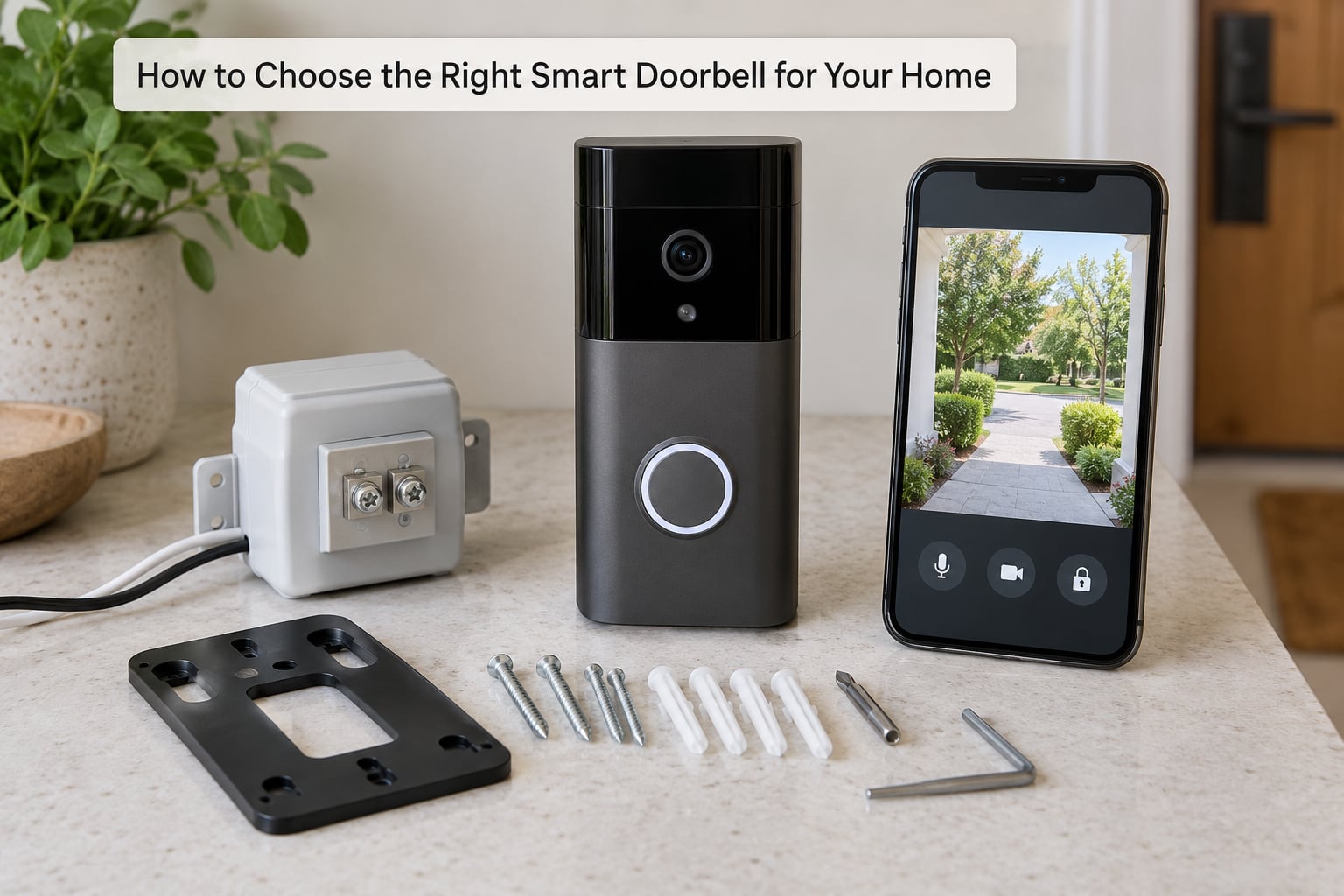
Work down this list and most of the decision makes itself.
Power first. A rechargeable battery means no electrical work and an easy swap, but you will charge or change it every few months and cold weather shortens that. If you already have doorbell wiring, a hardwired model never makes you think about batteries again. Either way, a wired unit needs a transformer sized for it: the common requirement is 16V AC at 30VA, and an underpowered transformer is why chimes go quiet.
Video quality and field of view. 1080p is the floor now. A 160-degree field of view covers a standard porch, while 180 degrees suits a wide entryway but bends the edges.
Night vision. Infrared gives a reliable black-and-white picture with no glare. Colour night vision is far more useful for identifying colours of clothing and cars, and needs the porch to have some light in it.
Motion zones and detection. Drawable activity zones matter more than raw sensor specs on a street-facing door. Look for person detection and package alerts as separate toggles.
Storage and subscription. Work out what you lose without a paid plan: history, remote access, or both. If you want no subscription at all, confirm the model supports a microSD card, a base station, or local streaming before you buy.
Audio controls. Check for a two-way talk option, a mute switch, and a mic-disable or privacy shutter if sound matters to you.
Connectivity and ecosystem. It has to join your 2.4 GHz Wi-Fi, and that signal has to reach the front door. Many first-time setup failures are just a 5 GHz network or a router in the wrong room. If your app ecosystem already has cameras in it, staying inside it usually means smoother sharing and less duplicated hardware.
Chime compatibility. If you replace a wired doorbell, the indoor chime may need replacing too. Digital chimes sometimes need a diode fitted to stop the bell from buzzing continuously.
Frequently Asked Questions
Do smart doorbells work without Wi-Fi?
No. A smart doorbell is an internet device, not just a camera. Without Wi-Fi it cannot upload clips, send a push notification or open live view, so the button would ring nothing. Battery models keep a little local storage, but nothing is useful until the unit reconnects. If your front door has poor signal, the fix is a mesh node or extender placed near the door.
Are smart doorbells always recording?
Most record on events, not continuously. Motion sensors or the button start a short clip, usually with a few seconds of pre-roll, and recording stops once movement ends. A few wired models support continuous 24-hour recording when they have local storage. Either way, a live view on demand uses the same camera and the same microphone, so anything in frame can be captured.
Do I need a subscription for a smart doorbell?
Not to use one. The button, live view and two-way talk generally work on a free account with no monthly fee. What a subscription adds is video history: without one you usually get snapshots or a short window, and older clips are deleted. Some models let you skip the subscription entirely by recording to a microSD card or a local network drive instead of the vendor cloud.
Can smart doorbells hear conversations inside my house?
It depends on placement and the microphone design. A doorbell mounted on the door itself hears mostly the porch, but the microphone is sensitive and open windows nearby can carry sound straight in. Several brands now ship a hardware mic cut-off switch or a privacy shutter for exactly this reason. If it matters to you, check for that switch before you buy.
How long does the battery on a smart doorbell last?
Expect a few months for a rechargeable pack in normal use, and much less on a busy street. Cold weather reduces capacity, frequent motion alerts wake the camera more often, and heavy live view use drains it fastest. Charging over USB takes a couple of hours. Hardwired models skip the question entirely, which is the main reason people choose them.
Can I install a smart doorbell myself?
A battery model usually takes about ten minutes and needs only a screwdriver and the app. Hardwired models involve low-voltage doorbell wiring rather than household current, so they are still within reach for most people, but you need a screwdriver, wire strippers and a voltage check. If your transformer is undersized or your indoor chime is a digital type, expect to replace or adapt parts.
Start with power and Wi-Fi, because those two decide whether the rest works smoothly. Check the 2.4 GHz signal where the doorbell will sit, decide honestly whether you will pay for video history, and only then compare cameras. Once you understand how smart doorbells work, most of the buying choices take care of themselves.