Wired vs wireless security cameras come down to one question: how much work are you willing to put in before the system starts paying you back? Wired cameras stay rock solid because every frame travels down a cable, while wireless cameras win on installation speed and the ability to move them later. For most single-family homes with an attic or basement to run cable through, wired is the better long-term buy.
The honest answer is messier than that, though. A renter, a rental property owner, and someone with a house made of double brick will each land on a different option, and a hybrid setup often beats picking a side at all.
I’ve spent a lot of time reading what homeowners actually report after living with these systems, and the pattern is consistent: people who can run cable rarely regret it, and people who cannot rarely regret wireless. The mistakes happen when the choice is made on camera picture quality alone.
Table of Contents
- 1Wired vs Wireless Security Cameras at a Glance
- 2How Installation and Connectivity Compare
- 3How wired cameras connect to the recorder
- 4How wireless cameras connect to your network
- 5Video Quality, Reliability, and Outages
- 6Recording modes decide how much footage you keep
- 7What happens when power or internet goes out
- 8Privacy and Cybersecurity
- 9Power, Maintenance, and Scalability
- 10Adding cameras later
- 11Features, Smart-Home Integration, and Portability
- 12Cost and Value Over Time
- 13Which Should You Choose?
- 14Wired vs wireless security cameras by use case
- 15Frequently Asked Questions
- 16Do wireless security cameras work without internet?
- 17Which is more secure, wired or wireless security cameras?
- 18Can wired security cameras record without a subscription?
- 19Will wireless cameras work in a house with thick walls?
- 20Can I mix wired and wireless security cameras?
- 21Choose the Connection That Fits Your Home
Wired vs Wireless Security Cameras at a Glance
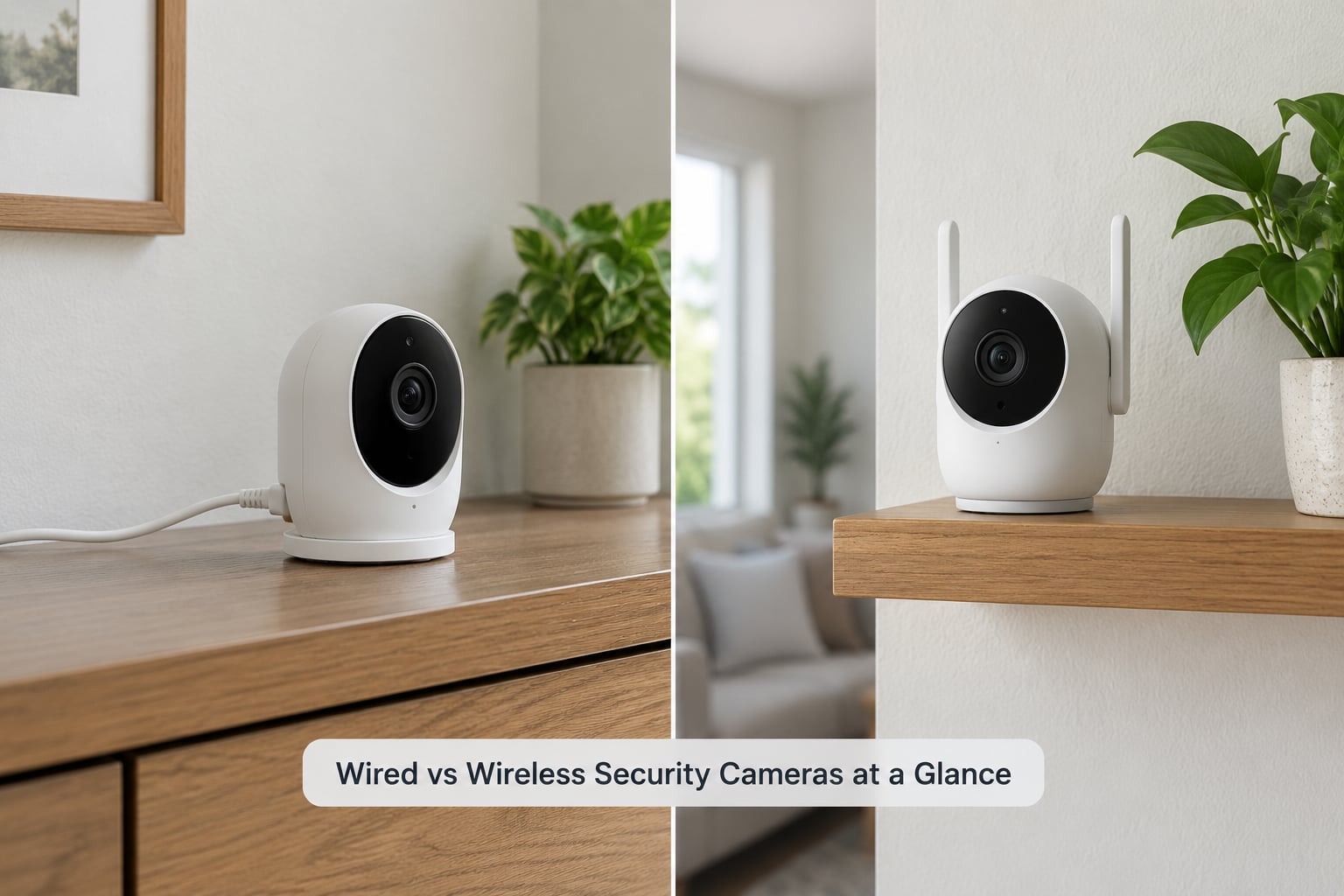
Here is the short version before the detail. The table covers the ten factors that actually change your day-to-day experience.
| Factor | Wired cameras | Wireless cameras |
|---|---|---|
| Installation | Requires cable runs, often through attic, basement, or soffit; may need a professional | Mount, plug in or charge, connect to Wi-Fi; usually done in an afternoon |
| Connection reliability | Immune to Wi-Fi congestion and interference; a physical connection does not drop | Depends on distance, walls, router capacity, and neighbouring networks |
| Video quality | Steady feed, no compression artefacts from a weak link, constant high frame rate | Varies with signal; heavy compression when the link is weak |
| Privacy | Often records locally to a recorder with no cloud account at all | Frequently tied to a vendor app and cloud account by default |
| Power | Continuous power over Ethernet or a nearby outlet | Battery, plug-in adapter, or a solar panel |
| Maintenance | Occasional lens cleaning and cable checks | Battery charging or swapping, plus the same cleaning |
| Portability | Effectively fixed once the cable is in | Move to a new room in minutes |
| Smart-home integration | Strong when the recorder exposes local control or standard protocols | Usually the best app experience, since the vendor designs both ends |
| Upfront cost | Higher once you add cable, conduit, and installer labour | Lower to start; cameras alone are inexpensive |
| Best fit | Owner-occupied homes, large properties, buildings with cable routes, anyone who wants local recording and no recurring fee | Renters, rentals, temporary monitoring, tricky buildings, quick retrofits |
Read the table as tendencies rather than rules. Good wireless systems are genuinely reliable, and a well-run cable job is a lot of work for a small house with a few cameras.
How Installation and Connectivity Compare
Installation is where the two paths diverge so much that it often settles the decision before anything else is considered.
How wired cameras connect to the recorder
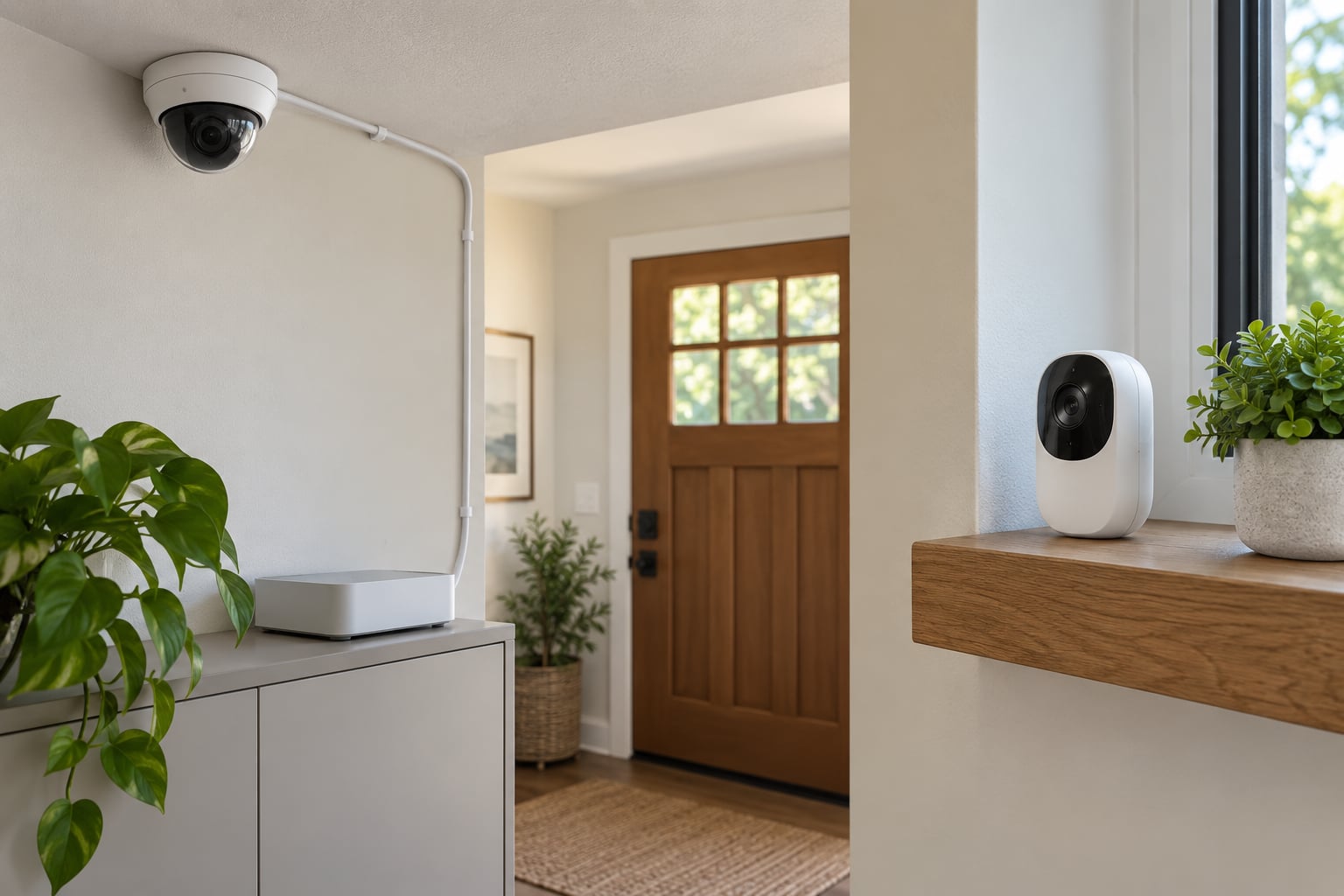
A wired camera sends both power and data down a single Ethernet cable to a network video recorder, which is why this approach is usually called PoE, short for Power over Ethernet. The alternative, found on older systems, runs video down coaxial cable with a separate power run, and a DVR sits at the end of it.
Cat5e or Cat6 cable carries a camera roughly 100 metres, which is far more than any room in a house needs. The real work is not the distance, it is getting the cable from the recorder to the camera without leaving a trip hazard on the siding or a hole in a finished wall.
Owners of older houses usually have a path already. Attic joists, basement ceilings, and the gap between studs are the routes installers use, and a house with an unfinished basement is the easiest possible version of this project.
Wireless avoids all of it, but wireless is not cable-free in the way people imagine. Plug-in wireless cameras still need an outlet within a few metres of where you want the picture, and battery cameras need somewhere the sun reaches. The cable is just short and often hidden.
How wireless cameras connect to your network
Wireless cameras join your Wi-Fi network the way a laptop does, and everything your router does to the internet applies to them. A camera sitting outside beyond the router’s usable range, or behind a thick wall, will produce a stream that stutters or drops entirely.
Homeowners in r/homesecurity and r/homedefense describe the same failure pattern repeatedly: cameras that worked fine in the front room start dropping frames once they move to the back of the house or the driveway. Adding cameras also eats airtime, so a system that was comfortable at four units can struggle at ten.
Two fixes help and are worth knowing before you buy. A mesh node or a dedicated access point placed near the camera group often solves a whole-house signal problem, and keeping cameras on their own network band, separate from phones and streaming boxes, keeps them from competing for the same airtime.
Concrete, stone, and double brick are the harder cases. Signal loses strength passing through dense material, and a house built from it can need the access point or the cable run regardless of budget.
Video Quality, Reliability, and Outages
The claim that a wired camera always produces better footage is not quite true, but it is not far off either. A camera is limited by its sensor and lens, and both types now come in the same resolution classes.
The difference shows up when the signal is imperfect. A weak wireless link makes cameras drop frames, reduce resolution, or switch to heavy compression, and you end up with a smeared recording of the one moment you care about. A cabled feed has no such failure mode, which is the main reliability argument for wired.
Recording modes decide how much footage you keep
Battery cameras default to recording motion-triggered clips. That is a battery decision, not a video decision, and it has a cost: if the motion sensor misses the start of an event, you have no footage of the approach at all.
People running battery cameras report two related frustrations. The passive infrared sensor that wakes the camera has a short delay, so someone crossing the frame quickly may be recorded only in the last second of the walk, and outdoors, sun, heat, and moving branches trigger alerts that are not real events.
Wired cameras, running from a constant power source, can record continuously around the clock, which is why installers recommend them for driveways, side doors, and anywhere a full record of what happened matters. Many wireless cameras sold with a plug-in adapter can do the same thing.
What happens when power or internet goes out
This is where connection type meets electrical reality. A battery camera keeps recording through an outage, but only until the battery drains, and its view of the outside world depends on the router also staying on.
A wired system with cameras on PoE loses everything when the power cuts, because the power comes from the same circuit. The fix is a small uninterruptible power supply on the recorder and the router, and forum users who have added one report it is the single change that made their setup feel genuinely 24/7.
Local recording changes the picture again. If footage is written to a recorder or a card in the house, cameras keep recording when the internet drops, and you can still watch it when the connection comes back. Systems that record only to the vendor’s cloud stop the moment your link fails.
Privacy and Cybersecurity
Neither connection type is inherently secure. What matters is how much of your setup depends on a vendor account, how many default passwords you never bothered to change, and whether the vendor still supports the device with firmware updates years later.
A wired system with a local recorder and no internet exposure has a small attack surface. The recorder sits on your network, nothing is published to the internet unless you do it deliberately, and there is no third party holding footage of your driveway.
Wireless cameras that route through a cloud service carry more risk and more convenience at the same time. Remote viewing from anywhere in the world is genuinely useful, and it requires an account with the vendor, which makes you dependent on their authentication, their storage, and their retention policy.
The practical protections are the same for both. Change every default password. Turn on two-factor authentication where it exists. Keep the firmware current, because camera firmware patches are where the interesting vulnerabilities get closed. Give cameras their own network segment so a compromised device cannot reach your computers. If you care about moving away from the vendor one day, check for ONVIF support or RTSP streaming, which let other software pull the feed directly.
Long-term vendor support matters as much as any of it. A camera that stops receiving updates eventually becomes a liability, and consumer brands in this category change ownership and product lines often.
Power, Maintenance, and Scalability
Power is the quiet difference between the two systems. Wired cameras draw from a cable or a nearby outlet, so you never think about them again after the installer leaves.
Battery cameras need a maintenance rhythm, and the advertised figure is optimistic. The consistent real-world reports across home security forums are two to four months between charges for cameras with motion detection running in ordinary use, and that number is worse in winter, with heavy alerts, or with a camera in a shaded spot.
Degradation is normal too. Batteries hold less capacity after a year or two, so the interval between charges keeps shrinking. Over five years you are replacing batteries several times per camera, and you own those old packs.
Solar panels reduce the charging frequency but bring their own placement problem. The panel wants direct sun, the camera wants a protected and useful angle, and those two goals rarely land in the same spot, so some solar cameras still need a manual top-up.
Adding cameras later
Expanding a wired system means running more cable and adding PoE ports or a switch, which is more work per camera and a professional bill, but the result is predictable.
Expanding a wireless system means plugging in a camera and pairing it, which takes minutes, as long as the network can carry the load. This is the strongest practical argument for wireless in a home that will change shape over the years.
Hybrid setups solve the awkward middle, and this is the option most guides skip. A wired recorder can usually accept wireless cameras over Wi-Fi, so you can run PoE to the driveway and the back door, and add a battery camera to a shed or the side gate without touching the walls. It costs more to plan and less to expand.
Features, Smart-Home Integration, and Portability
Feature lists look surprisingly similar between the two types, and the differences sit underneath the marketing.
Wireless cameras usually have the better out-of-box app experience, because the same company designs the camera, the app, and the cloud, and everything works together on the first try. Remote viewing, person and vehicle alerts, and two-way audio are typically mature on this side.
Wired systems can match all of that, but only if the recorder’s software and your phone’s ecosystem cooperate. Local control through a recorder app, or standard ONVIF and RTSP support, determines how much you can do without the vendor’s cloud. This is where professional and commercial-grade equipment tends to score better, and where the ability to keep recording without a recurring cloud fee comes from.
Portability is the one category wireless wins outright. A camera on a shelf or a suction mount can move to the baby’s room, then the back door, then the garden, in the time it takes to charge it. For renters, that flexibility is not a convenience, it is the entire reason to buy.
Two-way audio deserves a note. It needs power and a working speaker and microphone, and on battery cameras it will drain the cell noticeably, so people often end up enabling it only where they need it.
Cost and Value Over Time
Wireless looks cheaper on the day of purchase and often costs more across a five-year ownership period. Installation charges and equipment costs vary a lot by region and change over time, so treat what follows as relative categories rather than figures to plan a quote around.
Wired costs start with the cable and the labour. Materials are modest, but running cable through a finished two-storey house is most of the budget, and that is where a professional quote earns its keep.
Wireless equipment is inexpensive, and the ongoing costs sit in three places: cloud subscriptions for features like person detection and remote playback, batteries replaced every year or two, and the labour of actually climbing a ladder to swap them.
Electricity is the difference nobody quotes. Plug-in wireless cameras draw power continuously, and a house with six of them adds a real, if modest, amount to the monthly bill for a device that records in the dark as often as in daylight.
The other long-term cost is replacement. Wireless batteries wear out, firmware updates arrive on the vendor’s schedule, and consumer lines get discontinued. A cabled system that has been installed properly is a fifteen-year asset.
Which Should You Choose?
The decision usually resolves into a handful of situations, and only one of them is a straight win for wired.
Wired vs wireless security cameras by use case
Whole-home monitoring on a house you own: wired, without much argument. You will get continuous recording, a stable feed, and a system that still works in five years, and you can record locally with no recurring fee.
A house with an attic, basement, or garage to run cable through: wired. The hardest part of the job is already done for you in the form of open framing space, so the cost difference between the two options shrinks quickly.
Renting, or a property you will not stay in: wireless. Drilling into walls means losing part of a deposit, and the ability to take the system with you matters more than any feature difference.
A rental property you own and visit occasionally: wireless cameras with solar panels, if the property has sun on the wall you want to cover. This is the clearest case for battery power, since nobody is there to charge anything.
Privacy-focused recording with no vendor account: wired with a local recorder. If you want the footage to stay in the house, a cable and a hard drive are the simplest way to get there.
Large properties and buildings over roughly 4,500 square feet: wired. Distance, cable routes, and the number of cameras all push toward it, and commercial installers consistently recommend wired at that scale.
Double brick, concrete, or stone construction: wired, or wireless with a planned mesh network and a dedicated access point. Skipping the network planning is what makes people conclude wireless does not work in their house.
A tight budget and a small number of cameras: wireless, if the range is short. Two cameras inside a small house are rarely a problem.
Temporary monitoring, such as a renovation or a construction phase: wireless, by a wide margin. Nothing about it is meant to last five years.
A property with awkward cable runs and a long-term owner: hybrid. Cabled cameras for the positions that matter, wireless for the ones that are inconvenient.
Frequently Asked Questions
Do wireless security cameras work without internet?
Some do, and the answer depends on where the video is stored. Battery cameras with a local SD card or a wired camera writing to a recorder in the house keep recording when your internet drops, and you can watch the footage later. Cameras that record only to a vendor cloud stop the moment the connection fails, because the video has nowhere else to go. Remote viewing from your phone also needs internet, so plan for local storage if outages matter to you.
Which is more secure, wired or wireless security cameras?
A wired system with a local recorder is usually the more secure of the two, mainly because it never has to expose anything to the internet and needs no vendor account to hold your footage. Wireless cameras are not unsafe by default, but a cloud connection adds an account, an app, and a third-party data policy to your list of things to trust. Whichever you pick, change default passwords and turn on two-factor authentication.
Can wired security cameras record without a subscription?
Yes. A wired system with a network video recorder and its own hard drive records locally with no monthly fee at all, and the recorder’s app handles remote viewing over your own network. Subscriptions on wired systems are almost always optional extras such as cloud backup or AI video search. Just check that the model you buy supports local recording on its own, since some entry-level recorders are sold as cloud-only.
Will wireless cameras work in a house with thick walls?
Sometimes, but not always at first. Signal loses strength passing through concrete, stone, and double brick, and owners in those homes report that cameras which worked indoors fail completely outdoors. The usual fix is a mesh node or a dedicated access point positioned near the camera group, with the cameras kept on their own band to limit congestion. If the structure is truly dense and you want a permanent setup, cable is the dependable answer.
Can I mix wired and wireless security cameras?
Yes, and it is often the best of both. Most modern recorders accept PoE cameras on their Ethernet ports and wireless cameras over Wi-Fi on the same unit, so you can run cable to a driveway camera and add a battery camera to a shed without touching the walls. Confirm the recorder lists wireless pairing as a supported feature, since older and cheaper units only accept cabled cameras.
Choose the Connection That Fits Your Home
Wired vs wireless security cameras is a question about your building before it is a question about cameras. Walk the house, find out whether you have a cable route and a spot for a recorder, and check how many walls stand between your router and the driveway.
If the answer is yes to both, run cable and stop thinking about it. If the answer is no to both, go wireless and plan the network before you mount anything. And if one is yes and the other is no, that is a hybrid system, which is usually the most sensible outcome anyway.