Learning how to host a movie night at home comes down to five things: pick the film in advance, test your screen and sound, dim the room, build a seating area and snack station that people can actually reach, and give everyone a clear start time. Give yourself about two hours of prep on the day and the film rolls on cue.
Most of the work happens before anyone arrives. Once the lights go down, the night runs itself as long as the small decisions were made while the room was still bright.
Here is the short version before the detail:
- Agree on the film before you plan anything else, and check the rating against the youngest guest.
- Run a ten-minute test of the picture and sound while everyone else is still in the kitchen.
- Kill the overhead lights and use two or three warm lamps instead.
- Add floor seating so the number of people is not limited by your sofa.
- Put snacks in separate baskets, each within reach of one seat.
- Send the invite with the film, the start time, and one sentence about what you are providing.
Table of Contents
- 1What You Need
- 2Step-by-Step: How to Host a Movie Night at Home
- 3Choose the Movie and Theme
- 4Set Up the Room and Tech for Movie Night at Home
- 5Prepare Snacks and Drinks
- 6Send Invitations and Set Expectations
- 7Start the Evening and Enjoy the Movie
- 8Close the Night and Reset the Space
- 9Common Mistakes
- 10Frequently Asked Questions
- 11What is the best way to choose a movie for a movie night at home?
- 12How many people can comfortably watch a movie in one living room?
- 13What snacks should I serve at a movie night?
- 14How early should I prepare the room before guests arrive?
- 15How can I fix audio or picture problems without stopping the movie?
- 16Should I ask guests to arrive before the movie starts?
- 17Conclusion
What You Need
You need far less than a shopping list suggests. Here is the honest checklist for a movie night at home with four to six people:
- A film everyone agreed on, available on a service you actually have a login for.
- A playback device: a flat-screen with a streaming app, a laptop with an HDMI cable, or a projector with a screen or plain white sheet.
- Sound: TV speakers are fine in a small room. A soundbar or two external speakers help once you are past about six guests.
- Seating for one more person than you expect — sofa, plus bean bags, floor cushions or a pouffe.
- Two or three throws or blankets, even in summer, because somebody will want one.
- Snacks and drinks, split into at least three bowls so nobody reaches across anyone.
- Warm, dim lighting — lamps, a fairy light strand, or LED candles. Real candles near a fabric sofa is asking for trouble.
- A start time and a runtime check, so you know whether you are buying a snack for a two-hour film or a three-hour one.
- A bin within reach for the parts everyone ate and nobody wants to hold for two hours.
That is it. Notice what is not on the list: new furniture, themed tableware, a projector if you already own a decent screen.
Step-by-Step: How to Host a Movie Night at Home
Choose the Movie and Theme
Start with the film, because it sets the length of the evening, the snacks and the mood. The easy method for a group is a short vote in your group chat: three options, twenty-four hours, first to ten votes wins. A vote works far better than a host deciding alone, which is the single most common reason movie nights stall.
Check three things before you commit. The runtime against your start time and any bedtimes, the content rating against the youngest person in the room, and whether everyone has access or whether you need to handle the rental or login yourself.
Then give the night a light theme. A theme can be a genre, a decade, or one detail that shows up in three places — the snacks, the invitations and one bit of decor. Keep it small. People remember a specific touch far more than a full costume production.
How you know it worked: everyone can say what the film is without asking, and nobody is visibly bracing for a three-and-a-half-hour commitment.
Set Up the Room and Tech for Movie Night at Home
Test the whole chain before guests arrive: play ten minutes of anything, check the sound, then stop. Buffering, wrong login and a soundbar on the wrong input are all discovered at 8pm otherwise, when four people are waiting.
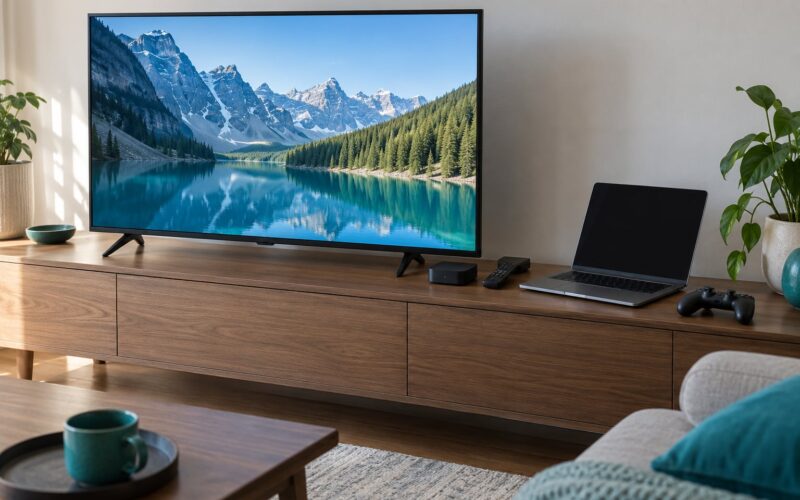
On the screen choice, be honest about what you own. A flat-screen in a normal living room wins on effort. A projector earns its place outdoors, or in a dark room with the blinds shut — ambient light washes out the image badly, so if the sun is still hitting the wall, wait. An LED candle or lamp behind the screen reduces the eye strain you get from a bright wall next to a dark image.
On sound, match the volume to the room rather than to the film. If you have neighbours, a sleeping child or thin walls, TV speakers at a moderate level sound better than a soundbar turned up. If you are using external speakers, place them beside the seating rather than behind it.
Clear the walkways. Cables, console boxes and coffee table corners cause most of the injuries at movie night, and floor seating makes people move around more than usual.
How you know it worked: the picture fills the view from the middle cushion, the sound is clear from the furthest seat, and nobody has to walk over a cable to reach the kitchen.
Prepare Snacks and Drinks
People running movie nights report the same thing again and again: the upgrade that makes the evening feel special is a themed basket, not an expensive menu. Three containers, each labelled by type, solve both the specialness problem and the traffic problem.
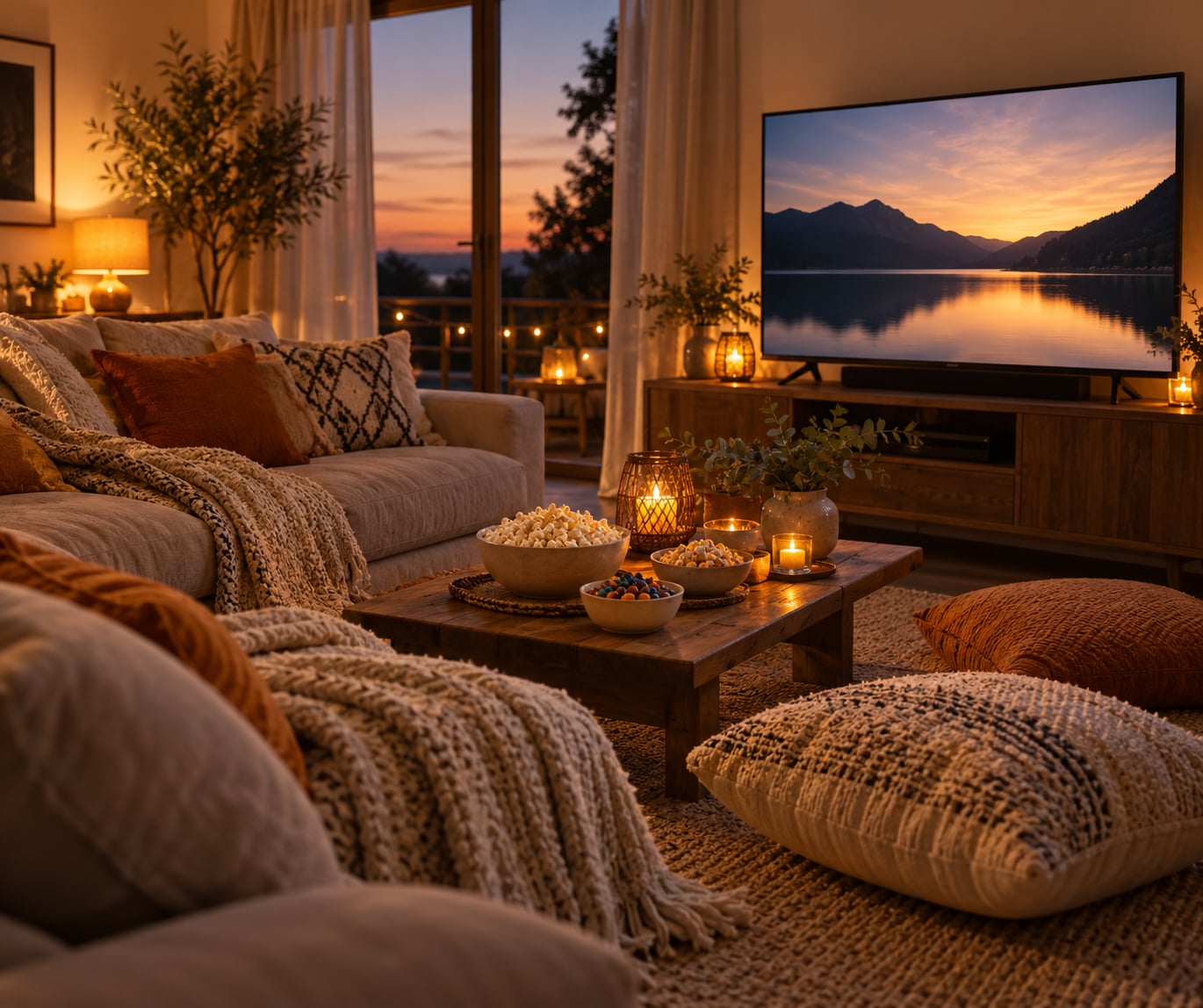
Plan one sweet, one salty and one thing that is neither, which handles mixed preferences. Quantities are easier than people expect: roughly a quarter of a bag of popcorn per person, or about eight ounces of kernels, plus two or three sides for a group of six. Put the bowls where a seated person can reach one without standing.
Label anything that contains nuts, dairy or gluten if anyone at the table has an allergy, and keep one option genuinely plain. Drinks live on a separate surface from the electronics — a side table or a drinks trolley rather than the floor in front of the screen, and use lidded cups if children are in the room.
How you know it worked: every bowl still has something in it 30 minutes into the film, and nobody has got up twice to dip into the same container.
Send Invitations and Set Expectations
A good invitation does the organising for you. It needs the film title, the date, the arrival time, the start time, and one sentence about what you are covering.
Say whether you want people to arrive early for snacks or exactly on time. Hosts who say “come at seven” get people at 7.40, which is fine for a relaxed night and fatal for a two-film evening.
This is also where you stop being the person who buys everything. The line that works: “I’m handling the film, the drinks and the main snack — bring yourself, or bring a side if you’d like to.” Most guests will bring nothing, and that is fine. The important thing is that nobody feels like an uninvited guest in your own home.
How you know it worked: you answered no question about the evening in the replies, and you did not spend the day buying food for eight people when six are coming.
Start the Evening and Enjoy the Movie
Do the welcome while the film is still paused: point out the food, the drinks, the bathroom and where coats go, in under a minute. Then explain the controls once so nobody is quietly trying to make it work for half an hour.
Keep the pre-show short. A playlist, a short trivia round or a two-minute clip works; a full pre-show event usually eats the film’s energy. Starting on time is the thing people remember.
During the film, your job is small: restock bowls, keep phones from being used as torches, and handle one restart calmly if the stream drops. Everything else happens while the film is rolling.
| When | What to do | Why it matters |
|---|---|---|
| One week before | Confirm the film, the access, and the guest list | Votes need time, and a chosen film cannot be unchosen on the night |
| Day before | Send the invite, clear the floor, gather throws and bowls | Declined guests change your snack numbers, and clear floor space takes no time at 6pm |
| Two hours before | Test picture and sound, set up the screen and seating, fill the snack baskets | Catches login, cable and audio problems while you can still fix them |
| Thirty minutes before | Dim the lights, start the playlist, put drinks out | The room is finished and calm before anyone arrives |
| Arrival | Welcome, point out the food and bathroom, start on time | A short welcome and an on-time start do more than any decor |
| Wrap-up | Clear bowls, bin the rubbish, restore the room | Lets you host again next weekend without starting from scratch |
How you know it worked: the film started within five minutes of the advertised time and nobody spent the first ten minutes working out what was happening.
Close the Night and Reset the Space
Decide the ending before you start. If the film is finished, let it run the credits. If people are flagging, pause it and say you will finish it another evening rather than grinding through a half-watching.
Then reset in a specific order so the next night is cheap: bin the rubbish, wipe sticky surfaces, stack the bowls, fold the throws, put the furniture back where it lives. If guests brought something — a drink, a plate, a board game — remind them, because they will otherwise assume it is in the cupboard.
Turning the room back matters more than hosts expect. A room you have to rebuild from scratch each time turns movie night into a chore, and you will stop doing it.
How you know it worked: your living room looks like a living room again, and the sofa is not still holding floor cushions at breakfast.
Common Mistakes
Picking the film yourself. The host’s taste becomes the group’s taste by default, and one person quietly resents it for two hours. Fix it with a vote and a deadline.
Leaving the overhead light on. It flattens the picture and kills the reason you dimmed anything. Fix it by closing curtains, switching on two warm lamps, and adding an LED candle or a small light behind the screen.
Testing the tech at showtime. The first ten minutes of every failed movie night is spent troubleshooting. Fix it by playing something before anyone arrives, then signing out of your streaming account so nobody logs you out mid-film.
One communal snack bowl. People reach across each other, somebody eats the last of it in the first twenty minutes, and the rest of the film is quiet. Fix it with three containers placed at opposite ends of the seating.
Underestimating seating. The couch seats the household, so the sixth guest ends up on a dining chair. Fix it by adding floor layers and assuming one more person than you invited.
Skipping the invitation details. Guests arrive late, ask what film is on, and bring nothing. Fix it with five lines: film, date, arrival time, start time, what you are providing.
Starting an outdoor projector too early. Any daylight and the image looks grey. Fix it by starting at true dark, using a white sheet or a proper screen, and running an outdoor-rated extension lead clear of walkways.
If you only change one thing, make it the start time. On-time starts are what people describe as a good host, long before they mention the decor.
Frequently Asked Questions
What is the best way to choose a movie for a movie night at home?
Put three options in the group chat and give people a day to vote, then pick the winner. Before you commit, check the runtime against your start time, the content rating against the youngest guest, and that everyone can access it. A vote removes the argument and takes less effort than defending your own choice.
How many people can comfortably watch a movie in one living room?
Four to six is comfortable with a sofa plus floor cushions, bean bags or a pouffe. Beyond six, the picture gets too wide for the seats at the edges and the sound becomes uneven. If more than eight people are coming, move to a projector against a blank wall or split it across two rooms.
What snacks should I serve at a movie night?
Offer one sweet, one salty and one neutral option, served in separate containers placed within reach of the seats. Roughly a quarter bag of popcorn or about eight ounces of kernels per person works, plus two or three sides for six guests. Label anything containing nuts, dairy or gluten, and keep drinks on a separate table from the electronics.
How early should I prepare the room before guests arrive?
About two hours gives you enough time to test the picture and sound, set the seating, fill the snack baskets and dim the lights without rushing. Clear the floor and gather throws and bowls the day before, since those are the tasks that turn into a scramble at six o’clock.
How can I fix audio or picture problems without stopping the movie?
Check the input source first, then the device you think is playing the sound, then the volume limit on the streaming app. Keep a second playback device charged and connected so you can restart from the app instead of the laptop. Nothing you do mid-film matters more than having tested the whole chain beforehand.
Should I ask guests to arrive before the movie starts?
Ask them to arrive about twenty minutes early so you have time for a welcome, snacks and a short playlist before the film. If the evening includes two films, tell guests the exact time the first one starts instead, and treat that as the deadline. Mixing the two messages is how movie nights start twenty minutes late.
Conclusion
Three things do most of the work. Agree the film early, test the picture and sound an hour before anyone arrives, and give guests a clear start time with a clear idea of what you are providing.
Everything after that is comfort and atmosphere, and most of it comes from things you already own. Pick the film, clear the floor, dim the lights, put the snacks in three bowls and start on time. That is a good movie night at home.