Turn the TV off and unplug it, dust the panel with a dry microfiber cloth, then wipe with a second cloth barely dampened with distilled water and buff it dry with a third. Never spray liquid onto the screen. Putting the water on the cloth instead of the glass removes nearly every cause of streaks.
The whole job takes about ten minutes and needs no special skills. The reason streaks show up in the first place is simple: dirty water dries on the glass and whatever was dissolved in it stays behind as a film.
I have cleaned the same three sets for years — an OLED in the living room and two older LED panels — and the only time a streak survived was the week I ran out of distilled water and used tap. That one detail matters more than anything else in this guide.
Table of Contents
- 1What You Need to Clean a TV Screen Without Streaks
- 2Why Streaks Appear in the First Place
- 3Step-by-Step: How to Clean a TV Screen Without Streaks
- 4Step 1: Turn Off and Cool the Television
- 5Step 2: Dust the Screen Gently
- 6Step 3: Dampen the Microfiber Cloth
- 7Step 4: Wipe Without Streaks
- 8Step 5: Dry and Inspect the Screen
- 9How to Fix Streaks You Already Have
- 10Common Mistakes That Cause Streaks and Damage
- 11Panel Types and Small Extras
- 12Frequently Asked Questions
- 13What is the best cleaner for a flat screen TV?
- 14Can I put Windex on a TV screen to clean it?
- 15How can I remove streaks from my TV screen after cleaning it?
- 16Is a microfiber cloth safe to use on my TV screen?
- 17Can I wipe my TV screen with wet wipes?
- 18Can I use Dawn dish soap to clean my microfiber cloth?
- 19Conclusion
What You Need to Clean a TV Screen Without Streaks
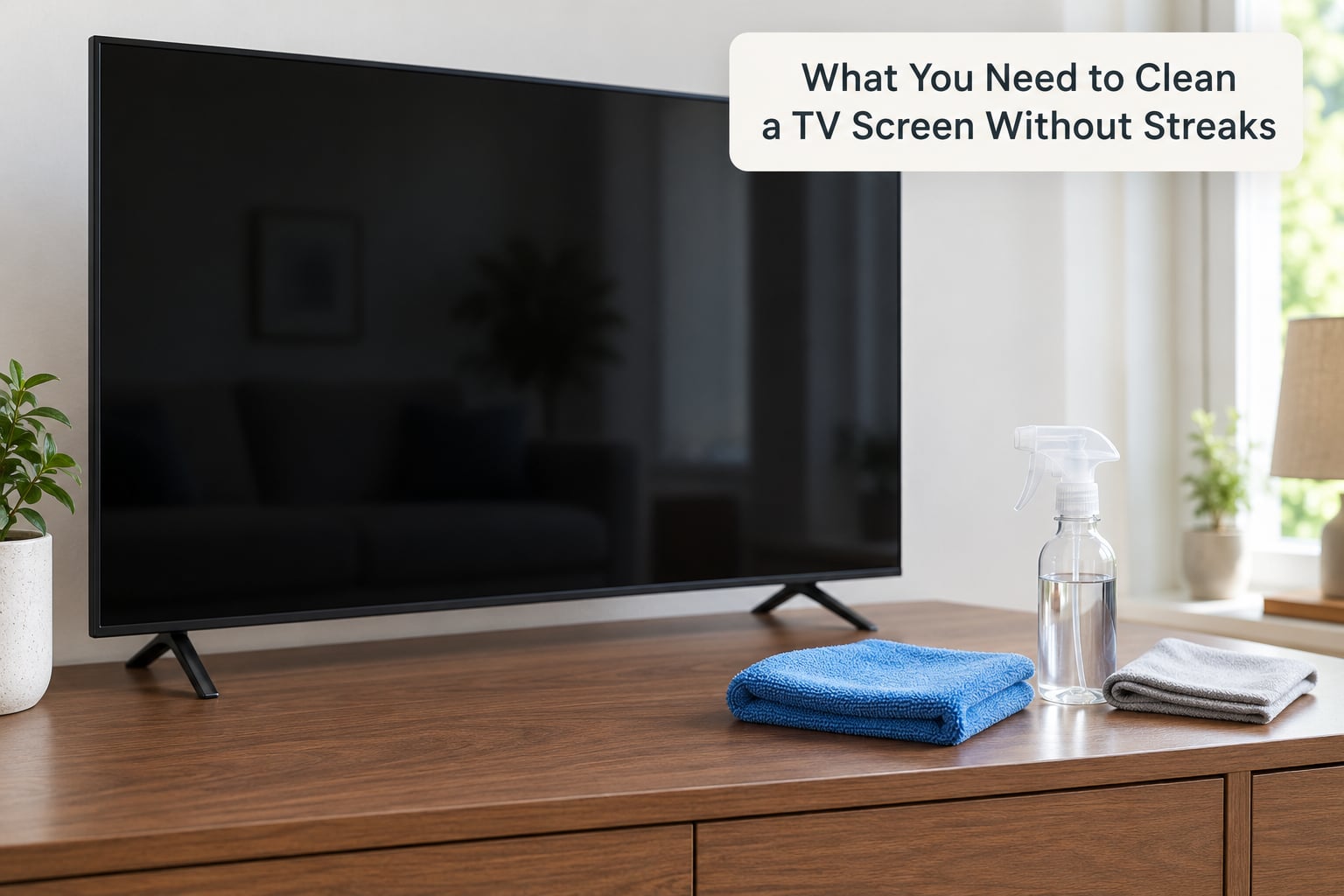
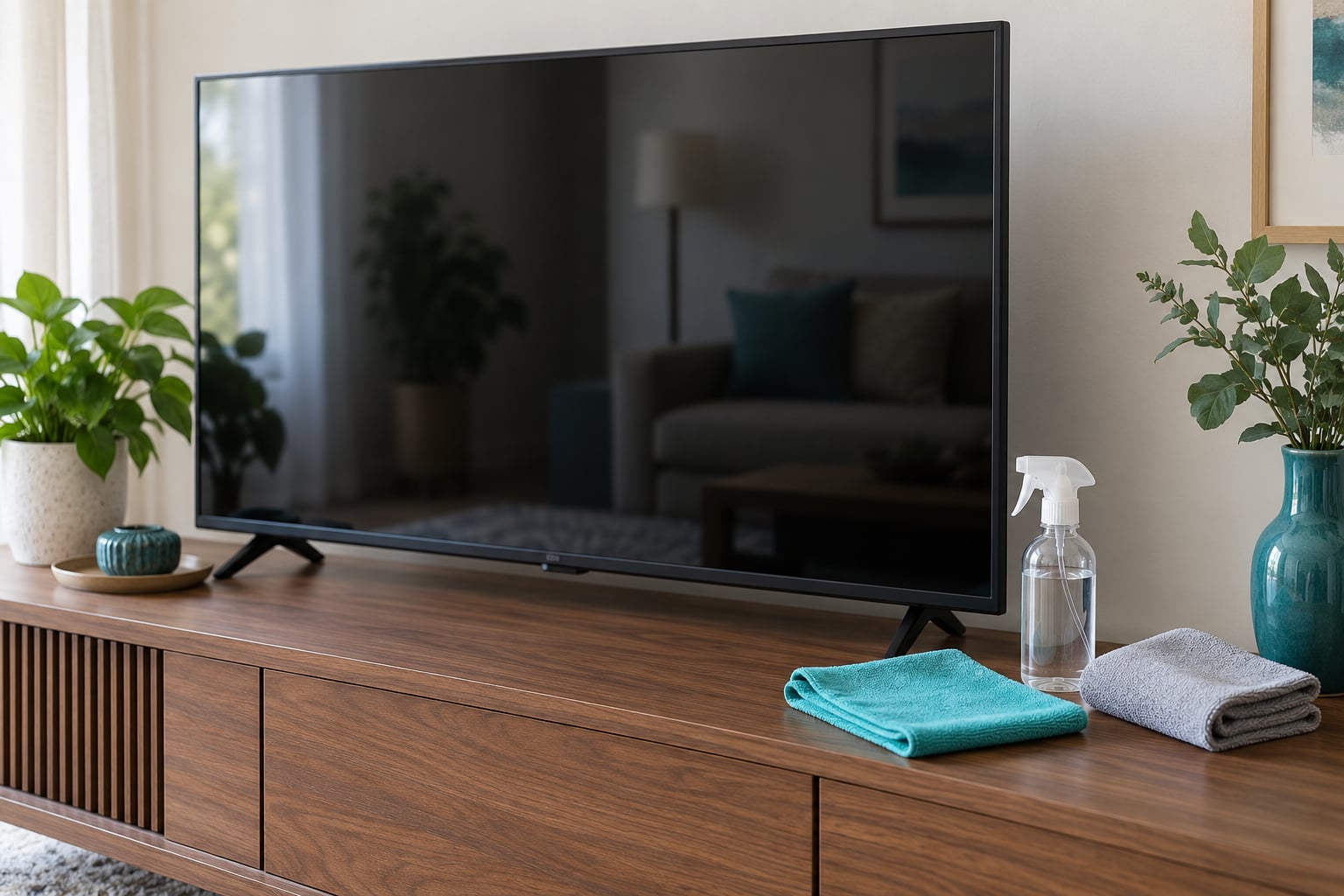
You need three things, and two of them are the same cloth in different conditions. Keeping the setup small is what makes the method repeatable.
- Two or three lint-free microfiber cloths. Plain, unweighted, roughly 30 cm square. A cloth that has been washed with fabric softener is worse than useless, because the softener leaves a waxy film that smears.
- Distilled or filtered water. Bottled drinking water works in a pinch. Tap water carries dissolved minerals that dry into the faint rainbow marks people mistake for dust.
- A small spray bottle or atomizer. You use it to mist the cloth, never the screen.
- One dry cloth for buffing. This is the step that actually prevents streaks, because it lifts moisture before it can dry.
For heavy grime, some owners mix distilled water with 70% isopropyl alcohol at roughly 50/50 in the bottle. That is a community method rather than a manufacturer one, so check your TV’s manual first. Samsung, Sony and LG all publish cleaning guidance in their support sections, and the manual is the document that counts if you ever need a warranty claim.
Have these nearby so you can resist them: paper towels, household window cleaner such as Windex, ammonia, bleach, acetone, nail polish remover, wet wipes, canned compressed air, and your usual dish soap. None of them belong on a flat panel.
Why Streaks Appear in the First Place
Streaks are a drying problem, not a scrubbing problem. Wipe a screen with dirty water and the water spreads, then thins, then evaporates unevenly — heavier where it pooled, thinner where it ran. Everything suspended in that water, minerals, detergent, softener wax, your own skin oil, gets deposited in exactly that uneven pattern.
Four causes account for nearly all of it. Tap water minerals leave rainbow or blue-white marks. An over-wet cloth leaves wide, hazy bands that reappear minutes after you finish. Fabric softener in a washed cloth creates sticky patches that smear instead of cleaning. And a cloth that has picked up grit from the car or the bottom of the laundry basket scratches as it moves, and those scratches catch light like a webbed haze.
None of those four are fixed by more pressure. Extra force is what turns a smudge into a permanent scratch.
Step-by-Step: How to Clean a TV Screen Without Streaks
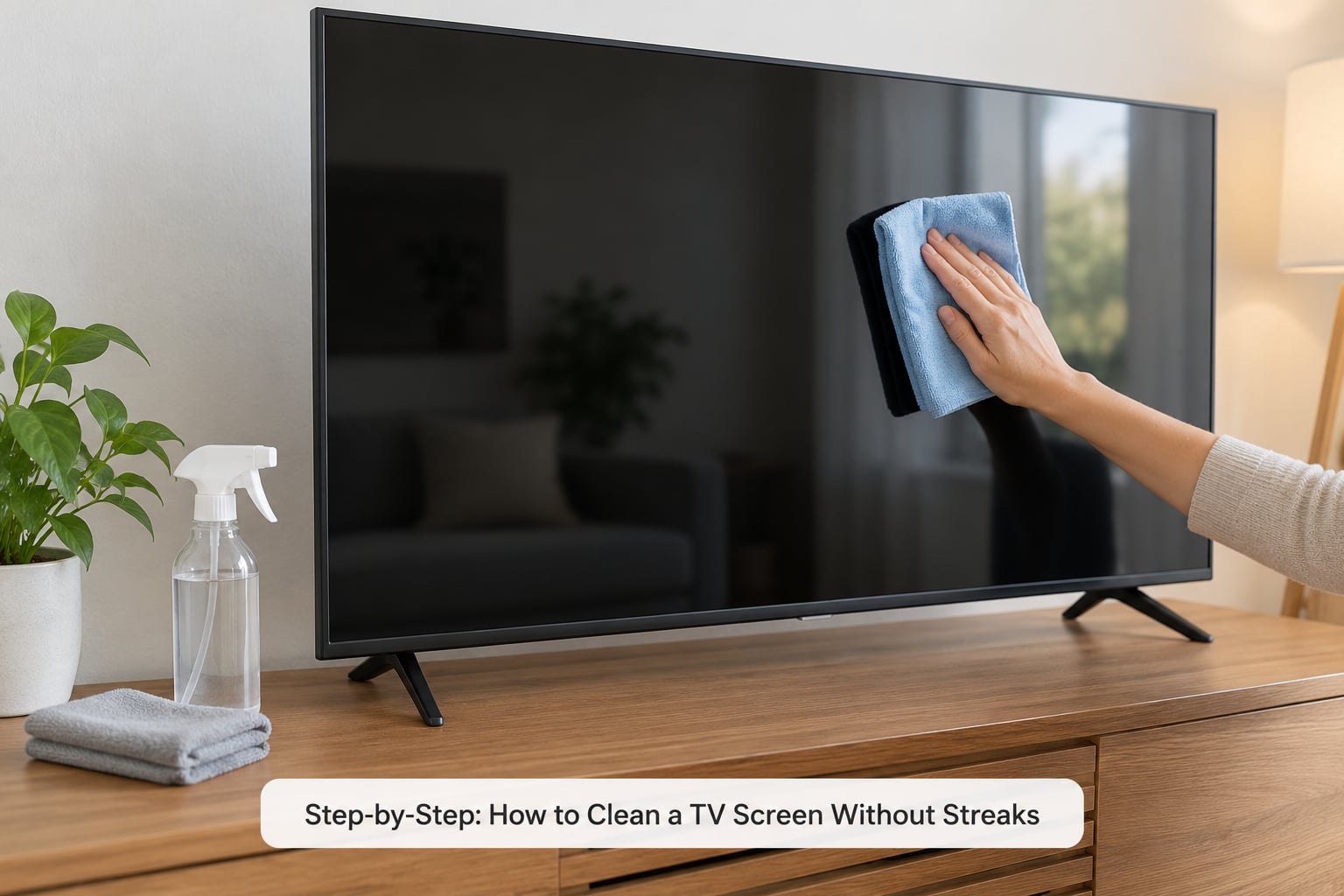
Step 1: Turn Off and Cool the Television
Power the set off with the remote, then unplug it from the wall or switch off the power strip. A cold, dark screen shows every fingerprint and streak, and you are not working around heat or risk a stray drop onto a hot panel.
Read the cleaning section of your manual first. Some manufacturers specify a slightly damp cloth only, and a few restrict alcohol on particular panel years. Thirty seconds with the manual saves a return trip to the service centre.
Step 2: Dust the Screen Gently
Take the clean, completely dry microfiber cloth and sweep the panel with light, overlapping strokes. Work top to bottom in one direction so you are not chasing dust back across the glass.
This pass removes grit before any moisture arrives. Dust dragged around by a damp cloth is the main way people scratch a panel without noticing, and you cannot polish a scratch out once it is there.
Step 3: Dampen the Microfiber Cloth
Put the cloth on a folded towel, mist it lightly with distilled water, and roll it between your palms until the fibres are evenly damp. It should feel cool and slightly tacky, never dripping.
Squeeze out anything excess. If you can drip from it, it is too wet. Hold the damp cloth an inch or two above the screen and let a drop fall onto the towel to test it, not onto the panel.
Step 4: Wipe Without Streaks
Lay the damp cloth flat against the glass and move in straight, overlapping horizontal strokes, light pressure, one row at a time. Do not switch between horizontal and vertical in the same section, and do not go back over a row you just finished.
Pick the panel up off the stand and support it with your other hand rather than pressing into it. Flip to a clean face of the cloth every few passes, because the used side is now carrying the oil you removed.
If a mark survives one pass, leave it. Move on to the next section and come back to it with the dry cloth once the surface has dried — a damp cloth rubbing a dried mark is what spreads a smear into a haze.
Step 5: Dry and Inspect the Screen
With the same cloth or your second dry one, buff the panel until no moisture is visible, again in one direction. Then look at the screen from an angle and in the light of a lamp before you plug anything back in.
Screens look clean when they are off and smudged when they are on, because a thin wet film only shows its edges under bright light. That angle check is the honest test. Once the surface is completely dry, plug the TV back in and let it run a few minutes to settle.
How to Fix Streaks You Already Have
Streaks that are already there can usually be removed, because most of them are surface residue rather than damage. Work in this order and stop as soon as the mark goes.
- Redo the dry pass with a fresh cloth. Plenty of “streaks” are just dust sitting in a pattern.
- Wipe the area once more with the distilled-water-dampened cloth and buff dry immediately, using the two-cloth method in small sections.
- If the mark is still visible, mix distilled water with 70% isopropyl alcohol at about 50/50, apply it to the cloth only, and wipe once. Buff dry right away.
- For sticky residue, repeat the alcohol pass once and stop. Repeated scrubbing is what turns residue into scratches.
Some people on r/OLED_Gaming and r/CleaningTips report success with diluted Simple Green in the same cloth-on, not-on-screen manner. Treat that as a last resort and check your manual, because it conflicts with most manufacturers’ guidance.
Common Mistakes That Cause Streaks and Damage
Spraying the screen directly. Liquid runs under the bezel and can pool against the panel edge, which causes both streaks and long-term damage. Mist the cloth every time.
Using tap water. It is the single most common reason streaks reappear within minutes of cleaning. Distilled water costs little and removes the mineral problem entirely.
Over-wetting the cloth. Standing moisture, especially a dripping cloth, drags dirt in a wide arc and dries into a hazy band. Damp, never wet.
Paper towels and household cloths. Paper towel fibres shred and leave lint, and a terry cloth face pushes grit into the coating. Use microfiber only.
Cloths washed with fabric softener or dryer sheets. The wax residue is the classic cause of sticky smears. Rewash cloths in cold water with nothing added, and air dry them.
Cleaning a hot screen. Moisture evaporates faster on a warm panel, so streaks set almost instantly, and warm glass plus liquid is a bad combination near electronics. Always cool first.
Window cleaner, ammonia, bleach or acetone. These strip the anti-glare and anti-reflective coating, and the haze or dull patch that follows will not clean off. It can also affect warranty coverage.
Rubbing hard at a stubborn mark. Pressure causes micro-scratches that catch light permanently. One gentle pass, then change approach.
Cleaning while powered on. A lit panel shows you nothing useful, and pressing a cloth against moving pixels or a powered bezel is asking for trouble.
Panel Types and Small Extras
OLED panels are the most sensitive, because the emissive layer sits close to the surface and any pressure can cause a permanent mark visible from across a room. LED and LCD panels are more forgiving but still have a thin polarizer and anti-glare film that harsh chemicals damage. Plasma sets are bulky and rarely wall-mounted, and the same distilled-water method works on them.
For a wall-mounted set you do not need to take it down. Wipe the screen in sections with one hand steady on the frame, and use a dry cloth with a soft brush or a vacuum on its lowest suction around the bezel and vents, where dust collects and where liquid should never go.
For cloths: wash them cold with no softener, no detergent if a smell or film shows up, and air dry. Replace a cloth as soon as it feels rough, because that grit is what causes the hazy webbing people spend months trying to clean off.
How often to clean depends on the room. Dusty homes with pets need a dry pass every two weeks; a fingerprint-prone family room needs a damp pass about monthly. Skip it entirely when nothing is visible on screen, since every wet pass is one more chance for a streak.
Frequently Asked Questions
What is the best cleaner for a flat screen TV?
Distilled or filtered water applied to a clean microfiber cloth is the safest and most reliable option for a flat-screen TV. For heavier grime, some owners use a 50/50 mix of distilled water and 70% isopropyl alcohol, applied to the cloth rather than the screen, after checking the manufacturer manual. Avoid window cleaners, ammonia, bleach and household sprays, which can permanently haze the anti-glare coating.
Can I put Windex on a TV screen to clean it?
No. Windex and similar glass cleaners contain ammonia and solvents that strip the anti-glare and anti-reflective coating on flat panels. The damage shows up later as a dull, cloudy patch that wipes on and off and cannot be repaired. Even spraying it onto a cloth is discouraged, since the alcohol and dye residues are hard to fully rinse out of microfiber fibres.
How can I remove streaks from my TV screen after cleaning it?
Start with a fresh dry microfiber cloth, since many streaks are just dust in a pattern. Then wipe once more with a cloth dampened with distilled water and buff dry immediately with a second cloth. If the mark remains, use a 50/50 mix of distilled water and 70% isopropyl alcohol on the cloth only. Never rub repeatedly, which is what causes the haze that looks like a scratch.
Is a microfiber cloth safe to use on my TV screen?
Yes, a clean lint-free microfiber cloth is the recommended tool for every major TV manufacturer. What matters is its condition and how it was washed. A cloth laundered with fabric softener leaves a waxy film that smears, and a cloth carrying grit will scratch the coating. Wash cloths cold with no softener, air dry them, and retire one once the fibres feel rough.
Can I wipe my TV screen with wet wipes?
Most wet wipes are a poor choice. Many contain alcohol, solvents or moisturisers, and some are lint-heavy enough to leave fibres on the glass. Household disinfecting wipes can haze the coating outright. If a wipe is all you have, use it on the bezel and frame, not the picture area, and keep the panel itself to a microfiber cloth with distilled water.
Can I use Dawn dish soap to clean my microfiber cloth?
A small amount of mild dish soap is fine for washing a dirty cloth, but use it sparingly and rinse well. The goal is to strip grease and fingerprints, not to leave a scented film behind. Skip fabric softener and dryer sheets entirely, since their wax residue is the most common cause of sticky smears on a freshly cleaned screen. Air dry rather than tumble dry.
Conclusion
Switch the TV off, unplug it and let it cool. Dust with a dry microfiber cloth, wipe with a second cloth barely dampened with distilled water, buff dry straight away, and never spray the screen.
Check your manual for any panel-specific rules, keep chemicals and paper towels far away, and the streaks stay gone for months instead of minutes.