If you want to know how to make a strong password you can remember, build a passphrase instead of a scramble of characters. Take four or five unrelated words, join them with spaces, and you get something longer, harder to crack and far easier to recall than a short string of symbols.
That is the whole trick, and the rest of this guide is the detail: picking words that stay in your head, testing the result without handing it to a stranger’s website, and storing it somewhere that is not a sticky note on your monitor. Updated for October 2026.
Table of Contents
- 1The short answer: five things make a memorable password strong
- 2What You Need Before You Start
- 3Step-by-Step: How to Make a Strong Password You Can Remember
- 41. Choose a memorable base idea
- 52. Turn it into a memorable passphrase
- 63. Make each account password different
- 74. Test the password without guessing
- 85. Memorize the password in manageable pieces
- 96. Store it in a password manager
- 10Common mistakes
- 11Frequently Asked Questions
- 12How long should a strong password be?
- 13What is the easiest password to remember?
- 14Is a long password better than a complicated one?
- 15Should I write my passwords down?
- 16How can I create a different strong password for every account?
- 17What is the safest way to store passwords?
- 18Conclusion: Start With a Passphrase
The short answer: five things make a memorable password strong
- Use at least 15 characters. Length matters more than symbols, and current NIST guidance has dropped forced complexity rules for that reason.
- Pick four or more unrelated words. Unrelated means nobody would guess those words are connected to each other, or to you.
- Leave out personal details. Pets, birthdays, street names and favourite bands are the first things an attacker tests.
- Change it for every account. Reuse is the single biggest problem, and one shared password undoes every other precaution.
- Store it in a password manager, and turn on two-factor authentication for anything that matters.
What You Need Before You Start
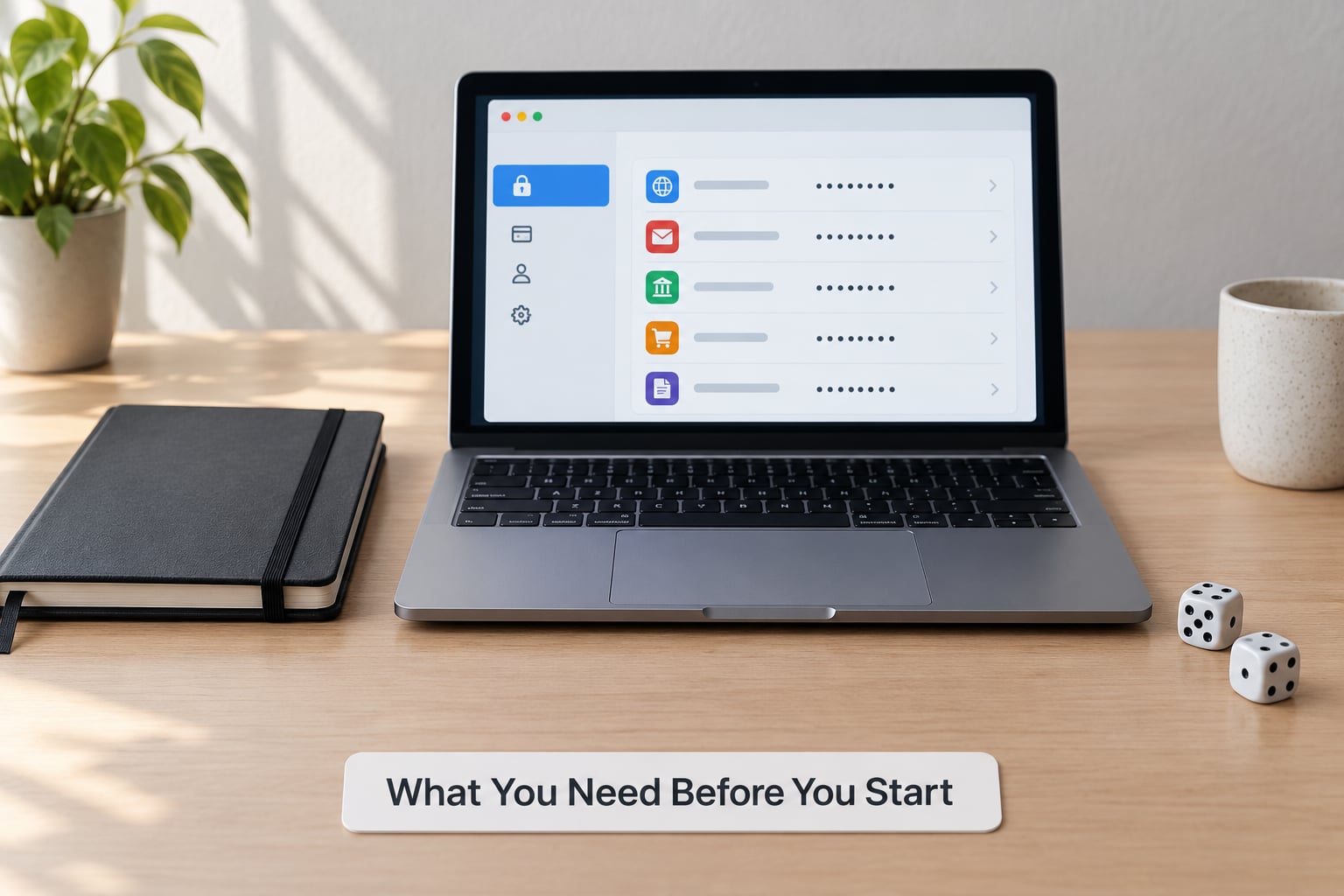
Nothing here requires anything special. You need a password manager, a password you have to recall by hand, and about ten minutes of quiet.
Two optional things make it easier. A set of dice turns word selection into a game instead of a guessing exercise, and an offline wordlist gives you words nobody has ever used in a password before.
What you do not need is a notebook. The single most repeated question on security forums is whether writing a password on paper is dangerous, and the honest answer is that a locked drawer is safer than reusing one password across sixty accounts.
Step-by-Step: How to Make a Strong Password You Can Remember
1. Choose a memorable base idea
Start from an image rather than a word. A specific, slightly ridiculous picture sticks in memory far better than a noun, because your brain files it as a scene instead of a fact.
My own mental template is a car at a petrol station in the rain with an unreasonable number of umbrellas. That image is odd enough that I am not going to lose it, and it is nobody else’s business. Pick yours the same way: concrete, visual and a little strange.
Then check it is not public. Search your own name plus the words you picked. If the phrase turns up in a public post, a sports report or an old profile you cannot delete, swap it before you build anything on top of it.
2. Turn it into a memorable passphrase
A passphrase is four or more unrelated words used as one password. Take words from completely different corners of your life, not four words from the same theme, because themed sets are exactly what dictionary attack lists are built from.
Here is the transformation. Before: jug$47, nine characters, two symbol rules satisfied, forgotten by Thursday. After: CopperKettle MidnightUmbrella 7, about 33 characters, and you can rebuild it in order because the words make a picture you have already seen.
Password entropy is simply a measure of how many guesses an attacker needs, expressed in bits. Each extra random character adds a little; each extra random word adds a lot, which is why word phrases win on both memory and maths.
| Password shape | Length | Rough time to guess |
|---|---|---|
| Short complex string | 8-11 characters | Minutes to days |
| Longer complex string | 12-14 characters | Weeks to years |
| Four random words | 20 characters and up | Centuries |
| Five random words | 28 characters and up | Effectively unreachable |
These times assume an offline attack on a well-hashed password, which is exactly what happens when a site’s database leaks. The 15-character threshold is where the numbers stop being embarrassing.
You may also have seen the 8-4 rule floating around: eight words, each four or five characters long. It is a solid floor for a vault master password, and a step past the four-word minimum most guides suggest.
Do not follow a substitution pattern while you build it. Turning o into 0 and a into @ feels like work but adds almost no guessing resistance, because every cracking tool tries those swaps first. Symbols and numbers earn their place when they are arbitrary, not when they are decorative.
3. Make each account password different
Exact reuse is what turns one bad breach into a bad week. A widely cited breach study found roughly 94% of 19 million exposed passwords had appeared more than once, so anything you repeat is a live key to a second account.
But nobody can memorise sixty unique passphrases, and you should not try. The compromise people actually stick with is one memorable base phrase plus a per-account variation you apply on the fly, and that is how to make a strong password you can remember for every account at once without filling a notebook.
For your email account, add the number of letters in the site name. For your bank, add the number of letters in the city you bank in. Same base words, different tail, and you never have to store the variation because you can rebuild it every time you need it.
What makes this work is that the rule stays personal and unspotted. Attackers try the most common tails first, like appending 1 or 123 or the current year. A rule that exists only in your head is not in any of their lists.
If a site rejects spaces, replace them with a dash or an underscore. Same words, same order, same length.
4. Test the password without guessing
Test it locally, in the password manager that generated it or in a strength estimator that runs entirely in your browser. That gives you a realistic read without transmitting anything.
A strong result means the estimate shows a very large number of guesses and the meter never dips when you remove one character. If a password scores well only because of symbol density, it is probably a bad password wearing a good disguise.
Never paste a real password into a strength checker you found through a search ad. Plenty of them exist purely to collect what you type. If the checker is not part of software you already installed and trust, skip it.
5. Memorize the password in manageable pieces
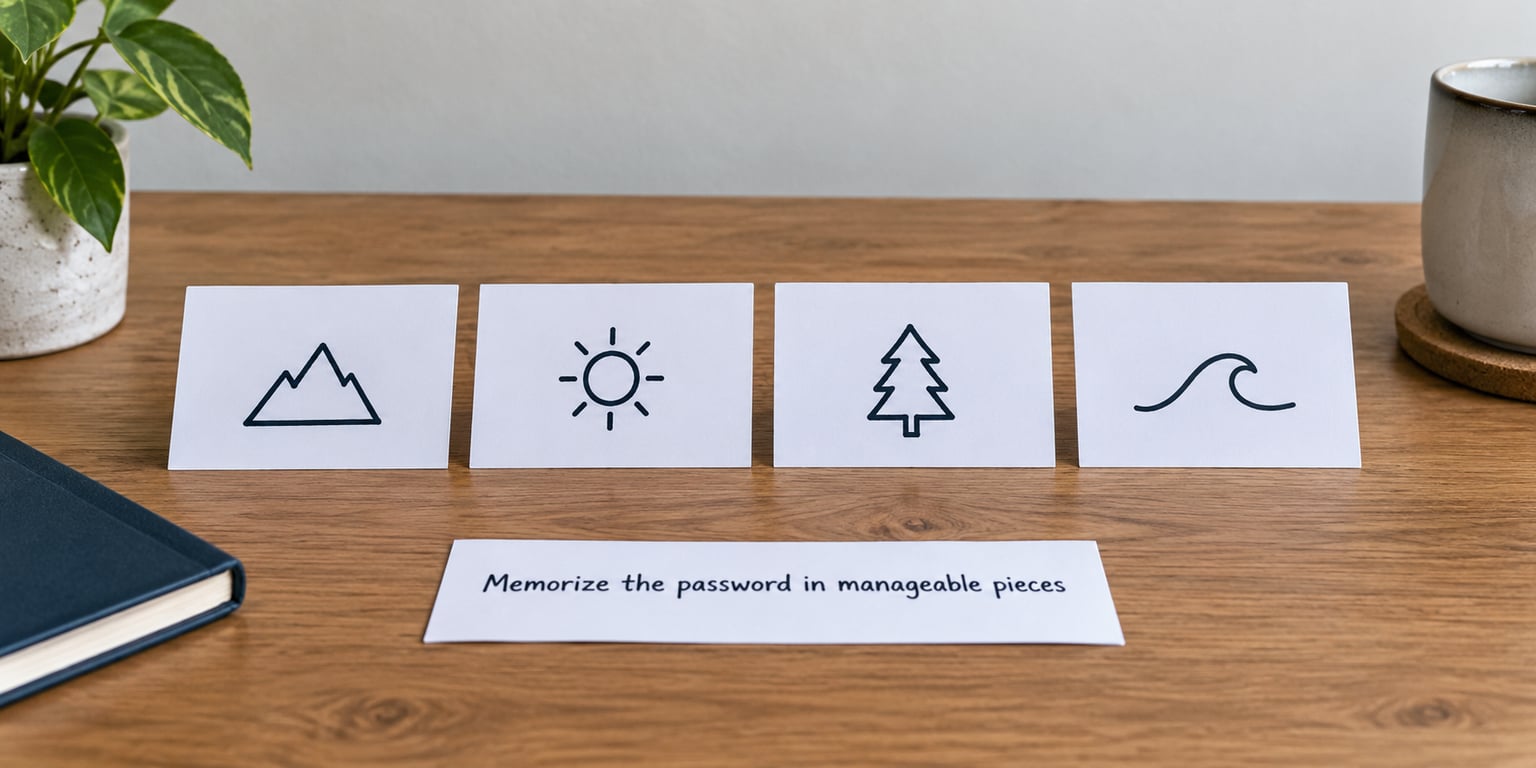
Chunking is why phone numbers with dashes are easier to recall than the same digits run together. Break your passphrase into its natural units: each word, the capital letter, the number at the end.
Then give each chunk a picture. Copper is a battered saucepan. Kettle is whistling. Midnight is a lamp in a dark hallway. Umbrella is the whole reason you remember the scene. You have built a strip of film you can replay.
Practise from memory before you store it. Type the passphrase from a blank screen, three times across two days. If you stall on a word twice, change that word rather than trying harder to memorise a bad one.
This is also the fix for a passphrase you have already half-forgotten. Rehearsal rebuilds it, and if it still will not come back, generate a new one and replace it everywhere you used it. Forgetting is not a character flaw.
6. Store it in a password manager
Once the phrase passes testing, save it in a reputable password manager and turn on multi-factor authentication for that vault. The master password is the one password you keep in your head; everything else gets generated, stored and autofilled from the encrypted vault.
Set up the recovery options at the same time. Save the generated recovery codes somewhere separate, and confirm your recovery email or phone is current, because a locked-out vault with a stale recovery address is a genuinely bad afternoon.
Open one existing account, copy the saved value, and check it retrieves cleanly from the record. That thirty-second test tells you whether you can rely on the vault later.
| Credential | Where it should live | Why |
|---|---|---|
| Password manager master password | Your memory | It unlocks everything else |
| Primary email password | Manager plus memory | Email resets every other account |
| Bank and payment accounts | Manager only | No reason to hold it in your head |
| Shopping, streaming, forums | Manager only | Generated and forgotten on purpose |
One honest caveat about vaults: storing everything in one place makes that place worth attacking. Two-factor authentication, a strong master passphrase and current recovery details are what turn a single vault into a single well-defended vault.
Common mistakes
Reusing one strong password everywhere. One breach, many unlocked accounts. Fix: one base phrase, per-account variation, everything else generated.
Clever substitutions. P@ssw0rd1! is in every cracking dictionary on earth. Fix: spend the effort on more words instead of more symbols.
Personal details dressed up. Your dog plus your birth year is public information. Fix: pick words that appear nowhere in your online life.
Treating a four-digit PIN as a password. It is a locker combination, not a login. Fix: use the full passphrase everywhere.
Notes on the monitor or under the keyboard. Shoulder-surfing and a glance at your screen are enough. Fix: the manager, or paper in a locked drawer.
Rotating a password you have memorised perfectly. Forced expiry pushes people back to reuse. Fix: change it when there is a reason to believe it was exposed, not on a calendar.
Answering security questions honestly. Pet names and mothers’ maiden names are one search away. Fix: invent answers, and remember the invented ones.
Two habits round it out. Check your addresses against Have I Been Pwned, which lets you search without handing over a password, and act on alerts rather than dismissing them. And turn on passkeys wherever a service offers them, keeping a passphrase in reserve for the recovery path.
Frequently Asked Questions
How long should a strong password be?
Aim for 15 characters as a floor and 20 or more for anything important. Length beats symbol rules because every extra character multiplies the guesses an attacker has to make. A four-word passphrase lands around 20 characters without any effort. Very long passwords have one catch: check the maximum length a site accepts, since many still cap at 12 or 20 characters.
What is the easiest password to remember?
A passphrase of four or five short, unrelated words is the easiest strong option. Words stick because your brain stores them as images and sounds, not as symbols. Join them with spaces or dashes and you get something long, random and still recallable after a week. The key word is unrelated, since four themed words predict each other.
Is a long password better than a complicated one?
Yes, for almost every real situation. A long passphrase beats a short symbol-heavy string because it has more possible variations without extra typing effort. Current NIST guidance reflects this, and it recommends length over forced symbol and number rules. Keep a few random symbols in there anyway, mainly so sites that demand them accept it.
Should I write my passwords down?
A paper record kept in a locked drawer is safer than the reuse it usually replaces. The risk people picture, someone finding and reading the note, requires physical access to your home, which is a different threat from a database breach. Do not leave notes on a monitor or under a keyboard, and never write the master password for your vault alongside the recovery codes.
How can I create a different strong password for every account?
Keep one memorable base phrase and vary the end per account, using a rule only you know, such as the number of letters in the site name or a fixed personal number. That gives you one thing to remember and a different password everywhere, which is how to make a strong password you can remember without storing dozens of them. Let a manager handle the accounts where even that is too much work.
What is the safest way to store passwords?
A password manager with an encrypted vault, two-factor authentication and current recovery details is the safest general option. The master password should be a long passphrase, and the recovery codes belong somewhere other than the vault itself. Enable breach alerts, and change the master password whenever you suspect the vault is exposed rather than on a schedule.
Conclusion: Start With a Passphrase
Pick one vivid image, pull four or five unrelated words out of it, and join them with spaces or dashes. Check the length clears 15 characters, test it locally, save it in your password manager, and turn on two-factor authentication for the accounts that matter.
Then vary the tail per account so a leak on one site stays a leak on one site. That is the entire job, and once the phrase lives in a manager, the only password you ever have to recall is the master one.