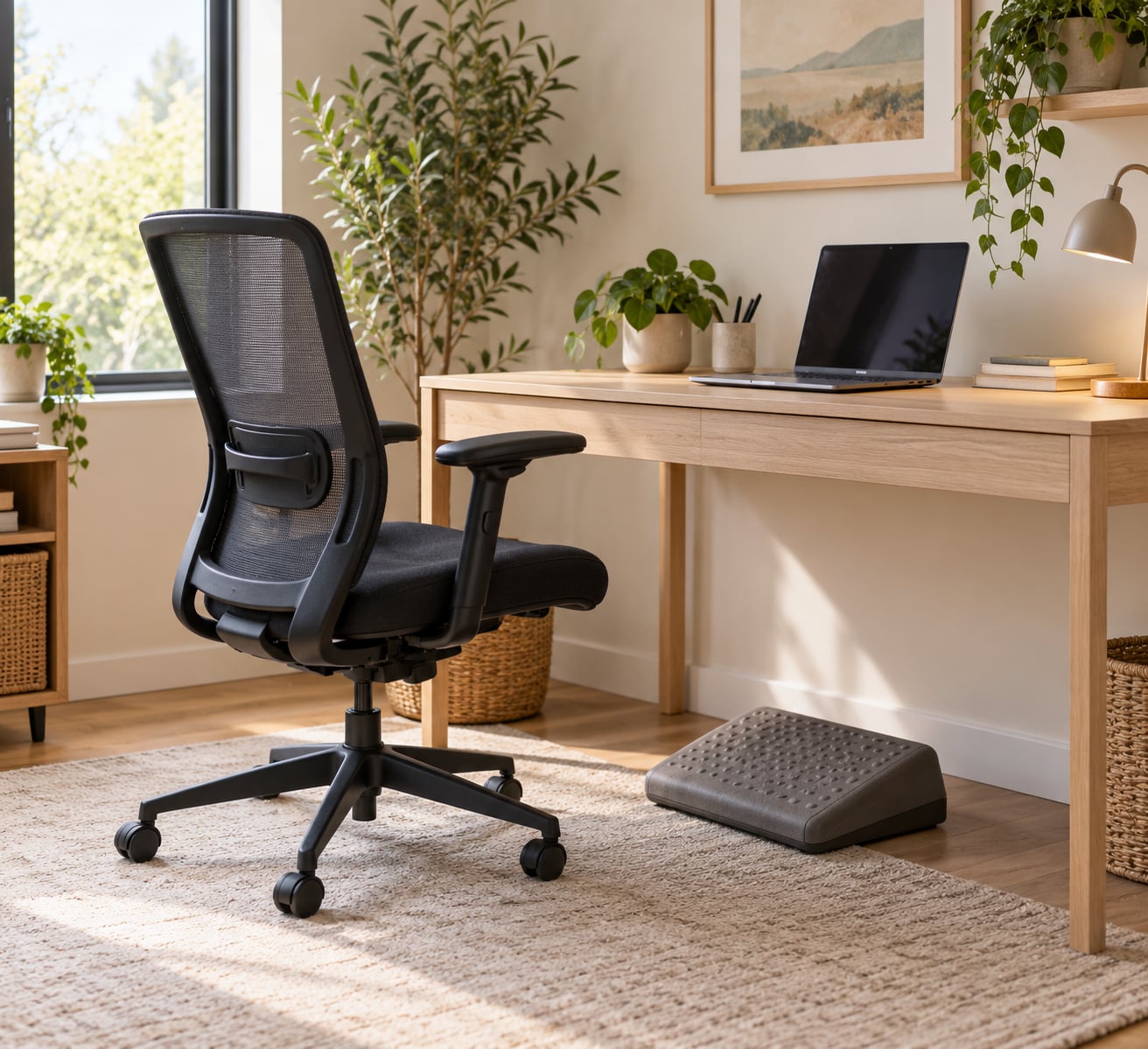
Choosing a desk chair for long hours comes down to four things: lumbar support that actually moves, a seat depth your knees clear, armrests that let your shoulders drop, and a recline you can control. Get those four right and the rest is preference. Pick a chair by its photo instead, and you will be adjusting it every month for the next five years.
The whole process takes about an hour, and most of that hour is measuring and testing rather than shopping. Here is the order I work in, updated for 2026, with the checks that catch the problems buyers regret later.
Table of Contents
- 1What You Need
- 2Step-by-Step: How to Choose a Desk Chair for Long Hours
- 3Step 1: Choose the Right Chair Type for Your Work
- 4Step 2: Look for Adjustable Lumbar and Back Support
- 5Step 3: Match the Seat Depth and Seat Width to Your Body
- 6Step 4: Set the Correct Seat Height
- 7Step 5: Check the Armrests, Tilt, and Recline
- 8Step 6: Evaluate the Seat Cushion, Materials, and Build Quality
- 9Step 7: Consider Long-Term Adjustability, Warranty, and Returns
- 10Step 8: Test the Desk Chair for Long Hours Before You Commit
- 11Common Mistakes
- 12Frequently Asked Questions
- 13How do I choose a desk chair for long hours that fits my height?
- 14How long should a desk chair last?
- 15Is a mesh chair better than a foam chair for long hours?
- 16When is a separate lumbar cushion useful?
- 17Do I really need a footrest with my desk chair?
- 18Conclusion
What You Need
Gather these before you open a single product page. Without them you are guessing, and guessing is how people end up with a chair that fits everyone in the catalogue and nobody in the room.
- Your desk height measured from the floor to the underside of the desktop. The chair has to work with the desk you already own, not the desk in the photo.
- Your height, inseam and weight. Inseam is what sets seat height, and weight sets the capacity you need.
- Your work habits: how many hours a day you sit, whether you take calls, whether you cross your legs or perch, and whether you share the chair.
- Your space, including the clearance behind the chair for recline and the width needed to open a drawer or push back from the desk.
- Your budget range, decided before you compare anything, so one option does not quietly reset it.
Two details people skip and regret. Measure your desk height with the keyboard tray in place if you use one, since the tray often sits several centimetres lower than the desktop. And note whether you work barefoot or in flat shoes, because that changes how high the seat needs to sit.
Step-by-Step: How to Choose a Desk Chair for Long Hours
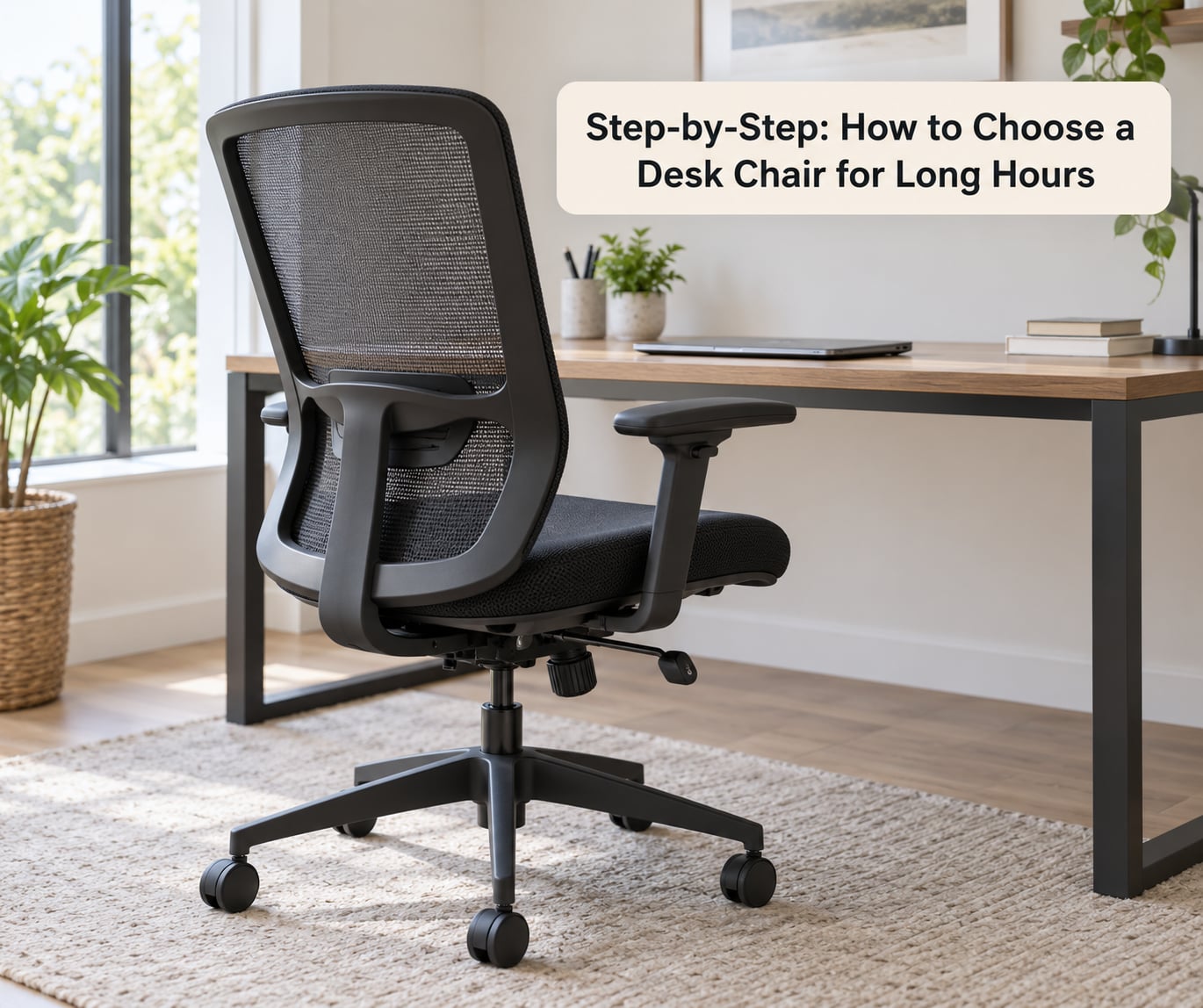
Step 1: Choose the Right Chair Type for Your Work
A mesh task chair with a full adjustment range suits almost every desk job done for hours at a stretch. The other types exist for different bodies and positions, and the labels tell you less than the adjustment list does.
- Task chair: the default for 8+ hour desk work, with height, tilt and armrest control as standard.
- Executive chair: taller back, deeper seat, usually more padding. Fine for shorter sittings, and the padding is a problem in a warm room.
- Drafting chair: a tall cylinder plus a footring, built for standing-height desks. Its minimum seat height is often too high for a normal desk.
- Gaming chair: the raised side bolsters are the problem. They hold you in one posture and push you into slouching over a full workday, which is why regular desk workers who try one tend to regret it.
- Conference and side chairs: armless, low-backed and unadjustable. Built for an hour, not for typing.
Labels are marketing, not specification. A chair called ergonomic with a fixed lumbar ridge and no seat depth lever is a padded chair with a good name.
Step 2: Look for Adjustable Lumbar and Back Support
Adjustable lumbar support means two separate movements: height up and down along the backrest, and depth in and out toward your spine. A support that only moves in one of those directions is half the feature.
Here is how to tell the real thing from a plastic curve. Push your fingers into the lumbar area and try to slide the support vertically. If it moves, it is adjustable; if it feels like one moulded ridge with no travel, it is fixed. Then press it in and out against your lower back. Supportive is right; being shoved forward by a firm pad is not.
Also look at backrest height. Taller users need the lumbar to sit higher on the back panel, and shorter users need it lower. A chair whose lumbar support is welded into the shell cannot be moved at all, so this check decides several product pages for you before you visit a showroom.
Step 3: Match the Seat Depth and Seat Width to Your Body
Seat depth is the gap between the backrest and the front edge of the seat, and it is the most commonly ignored measurement. Sit back against the backrest and slide your knees forward until they bend. Leave two to four fingers of space behind your knees.
More than four fingers means the seat is too deep, your feet lose the floor, and your weight rolls forward onto the front edge. That front edge presses behind the knees where the popliteal artery runs, which is the reason many people report numbness in their legs after a long afternoon.
Too deep is common on executive-style chairs for shorter users. Too narrow is common on slim frames, where the sides of the seat dig in before a full workday is over. Look for a waterfall front edge too: a rounded seat lip that rolls off your thighs instead of creasing them.
If the chair has no seat depth slider and the gap is wrong, keep looking. It is a deal-breaker for anyone over five hours a day.
Step 4: Set the Correct Seat Height
Sit height should put your feet flat on the floor, or flat on a footrest, with your thighs roughly parallel to it and your knees bent between 90 and 100 degrees. Sit too high and the underside of your thighs presses into the chair, cutting circulation behind the knees. Sit too low and your knees rise above your hips, which pushes your lower back into a slump.
While you are at it, check the elbows. With shoulders relaxed and arms hanging loose, your forearms should rest on the armrests with elbows near 90 degrees. If you have to shrug to reach the desk, the desk is too high for you, not the chair.
Shorter users have one extra check: the lowest setting still needs to put your feet on the floor. If the chair bottoms out with the seat a good 10 cm above your feet, budget for a footrest or look elsewhere. Taller users should check the opposite end, that the seat reaches high enough for their feet to stay flat.
Own a sit-stand desk? Write down the minimum seat height of the chair before you buy and compare it to the lowest setting your desk reaches. Owners on r/OfficeChairs repeat the same frustration: the desk goes down to a comfortable height, the chair does not, and you are stuck standing at the top of the range.
Step 5: Check the Armrests, Tilt, and Recline
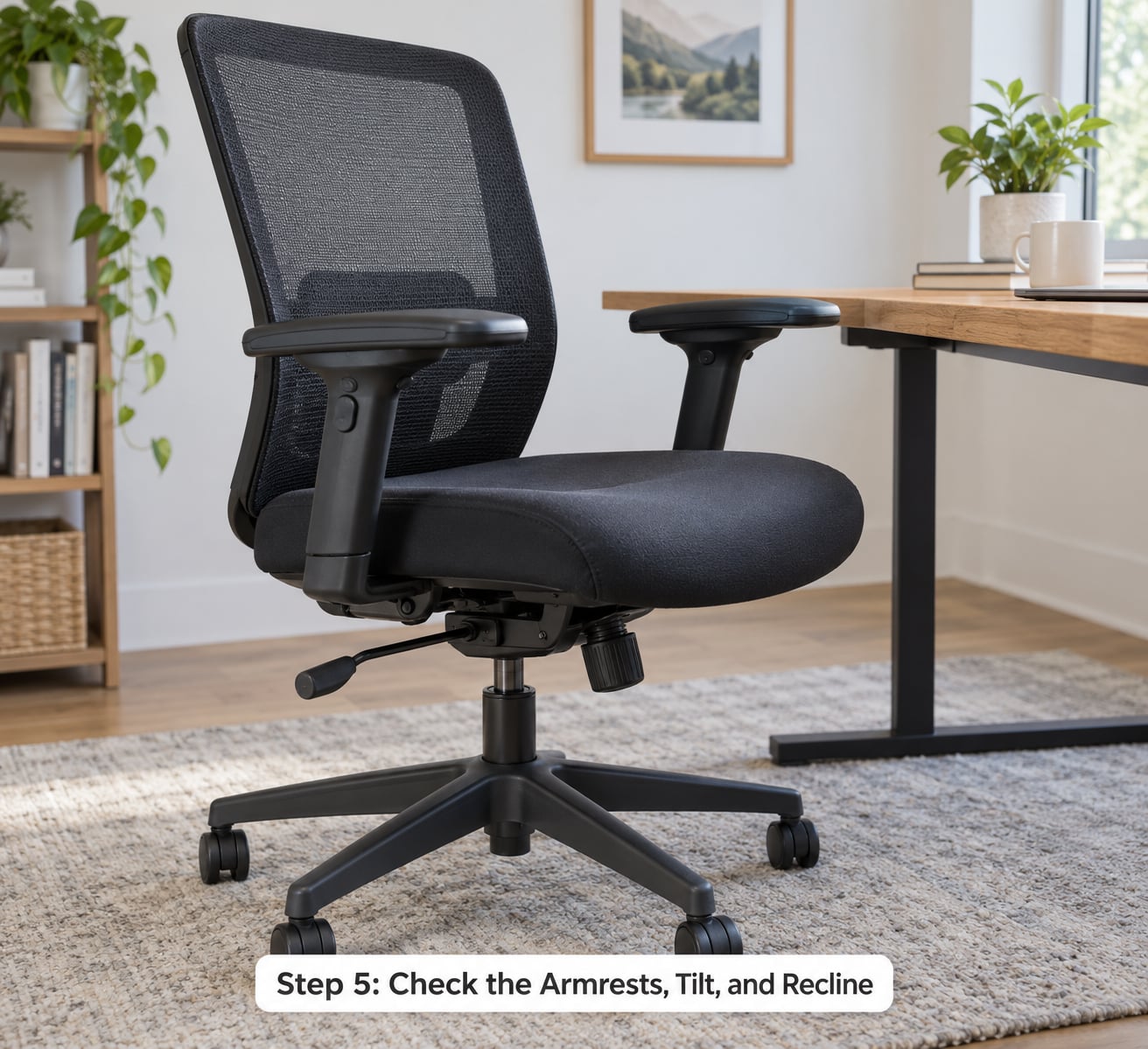
Armrests are measured in adjustment axes: 2D moves up and down, 3D adds in and out, 4D adds width or pivot so your arms stay level at any desk depth. Two axes is the practical minimum, and removable or flip-up arms help in a compact room.
Both failure modes hurt. Armrests set too high push your shoulders up and give you neck ache by hour four. Set too low, you slide forward off the backrest to reach them. A removable or 4D armrest is the way out of both.
Tilt and recline work together. A synchro-tilt mechanism moves the backrest and seat pan together at a fixed ratio, spreading the effort of sitting back across the whole chair rather than hinging it at the lumbar. A multi-position lock lets you stop the recline at two or three points; a weight-sensing mechanism sets the tension by your body weight instead of a dial. Look for a tension dial or a weight range you can set, because a chair that will not hold a set position slides backwards on a hard floor.
Chairs recline on purpose: leaning back takes load off the spine, which is why a controlled recline beats a rigid 90-degree position over a long day. The test is whether you can still type and reach the mouse at the angle you choose. Some chairs lean back so far that the desk falls out of reach, which is not a recline, it is a lounge chair.
Step 6: Evaluate the Seat Cushion, Materials, and Build Quality
Mesh, foam and upholstery each fail differently. Mesh breathes best and sheds heat, which is why people who run hot or work in warm rooms rate it highest. Foam gives a softer, more settled first impression and can feel warmer after a couple of hours. Upholstery looks the smartest and needs the most maintenance. Whatever you pick, press the seat pan for several seconds: a cushion that bottoms out and stays there has packed down and will not recover.
Now the frame and base. Push the chair at armrest height from different directions and watch for wobble at the base or the back posts. Rock it back and forward and listen: a squeak that repeats with every cycle points to a joint that will loosen. Check that the gas lift holds the seat at any height, including the top of the range, and that the casters roll without catching. Most failures come down to those two parts, and both are replaceable. An aluminium base is sturdier and heavier than nylon; nylon is fine on hard floors and better on carpet, where hard casters dig in and chew the pile.
Check that the weight rating sits 10 to 15 percent above your own weight, and higher if you share the chair. Owners on r/OfficeChairs point out that this is often the only spec people check, and that skipping it leads to chairs that wobble or fail outright.
Step 7: Consider Long-Term Adjustability, Warranty, and Returns
Rank the settings by how often you will touch them. Height, lumbar depth and armrest height get adjusted daily; backrest height and headrest might get touched twice a year. A chair with six levers is not better than one with three if the three are the right three.
For a chair you will use for long hours daily, look for a warranty of at least 10 years covering the frame and mechanism, and check what the shorter terms cover. Casters, gas lifts and upholstery are consumable parts, so a lifetime claim on the mechanism is worth more than a blanket claim on everything. Ask whether replacement parts are sold separately, because a chair whose parts only come as a whole unit is a chair you replace rather than repair.
Read the return terms before the chair arrives, not after. Note the window, who pays the return cost, and whether there is an in-person option or a restocking fee. On r/OfficeChairs the most repeated blocker is simple: you cannot test a chair through a screen, and there is no local showroom. Long return windows and honest written measurements are the best substitute you can get.
Step 8: Test the Desk Chair for Long Hours Before You Commit
Give any candidate a five-minute run. Sit back against the backrest first and set the height until your feet are flat. Adjust the lumbar until it meets the curve of your lower back without pushing. Type for a minute and check that your forearms rest on the armrests with your shoulders down. Lean back into the recline and confirm it locks where you put it and stays there. Stand up and push the chair away, checking for wobble.
Then sit in it for longer if you can, ideally twenty minutes, because cushioning flatters a chair in the first few minutes and the mechanism only reveals itself after that. Users who shop this way tend to say the same thing: a five-minute sit tells you about the padding, and a twenty-minute sit tells you about your back at hour eight.
Buying online? Do the same routine the day it arrives, while you are still inside the return window. Far too many people blame a chair for discomfort that was never adjusted. If your employer is buying the chair for you, run the same checks yourself before accepting it, and ask them to confirm the seat height range and the lumbar adjustment exist on that exact model.
Common Mistakes
Choosing by appearance. Colour and silhouette say nothing about fit. Fix: judge the spec sheet and the seven checks above, then look at whether it suits the room.
Skipping the desk measurement. A perfect chair still leaves you hunched if the desktop sits at the wrong height. Fix: measure first, and check the elbow angle with your actual keyboard and tray in place.
Assuming a pricier chair fits automatically. A higher-end chair still has a fixed seat depth and a fixed lumbar bump if that is how it is built. Fix: run the same seven checks on every candidate, whatever it costs.
Ignoring armrest interference. Fixed arms that do not clear the desk push your shoulders up all day. Fix: check clearance with the chair pulled in at your working distance, and prefer removable or 4D arms.
Choosing a seat that restricts circulation. A deep seat or a hard front edge presses behind the knees. Fix: the two-to-four finger gap, and a waterfall edge if you can get one.
Not testing the adjustment controls. A lever that does nothing is a common disappointment, and it is only visible when you move it. Fix: move every lever, dial and knob while you are still in the room.
One tip covers most of this. Before you commit, take a photo of the product page, the spec sheet and the adjustment list. It takes a minute and it is the only thing that lets you check whether the chair you ordered matches the chair that arrives.
Frequently Asked Questions
How do I choose a desk chair for long hours that fits my height?
Start with the two measurements you cannot adjust: seat depth and the lowest and highest seat height. Sit back, leave two to four fingers between the seat edge and the back of your knees, and confirm your feet reach the floor at the lowest setting. Taller users need lumbar support that moves upward and a seat that reaches high; shorter users need the opposite. Seat depth adjustment matters more than any other single feature over a full day.
How long should a desk chair last?
A well-built chair with a 10-year or longer warranty on the frame and mechanism should give you seven to ten years of daily use. The parts that wear first are almost always the upholstery and the casters, and both are usually replaceable on a good chair. Check that spare parts are sold separately. A shorter warranty of one to three years is thin for a chair meant for eight hours a day.
Is a mesh chair better than a foam chair for long hours?
Mesh wins on breathability. It moves air across your back and shoulders, which matters most if you run hot or the room is warm, and it does not sag over a long afternoon. Foam feels softer and more settled at first, and upholstered seats look neat but need cleaning. Whichever you choose, press the seat pan for several seconds and check it does not stay bottomed out.
When is a separate lumbar cushion useful?
A lumbar cushion helps when the chair’s own support is too high, too low, too firm, or simply absent, and when you have already spent real time in the chair adjusting everything else. It is a repair, not a substitute. If you are adding one, place it in the small of your back, not mid-back, and check the seat depth and height first, since a cushion cannot fix a chair that is the wrong size for you.
Do I really need a footrest with my desk chair?
A footrest solves one specific problem: the seat is higher than your feet can comfortably reach. If your feet hang or rest on their toes, or your knees sit above your hips, a footrest fixes both and costs very little. If your feet are already flat at the lowest setting, you do not need one. Also check your desk for the same issue, because raising the chair to reach the desktop can undo a good setup.
Conclusion
Start by measuring your desk height, your inseam and your weight, then judge every chair on the same seven checks: adjustable lumbar in both directions, seat depth with a two-to-four finger knee gap, correct seat height, adjustable armrests, a controlled multi-position recline, breathable materials, and weight capacity with headroom. Test it before you commit, with a five-minute run in the room or inside the return window.
If you only do one thing this week, sit in two or three candidates for twenty minutes each. That is where the answer is, and no spec sheet will tell you.